Introduction
Smart pet devices best pet camera now serve real, practical purposes rather than being simple gadgets. We use tools that track sleep, measure food portions, and monitor pets through live video. Many systems connect through mobile apps, giving us control and updates no matter where we are.
These technologies help us reduce stress, improve training, and understand our pets’ health more clearly. For busy pet owners, they bring peace of mind and reliable data.
| Feature Type | Example Function | Benefit |
|---|---|---|
| Camera | Detects movement or sound | Keeps pets safe and visible |
| Feeder | Dispenses measured meals | Supports healthy eating |
| Collar | Tracks activity and rest | Monitors wellness trends |
Pet Camera Benefits: Why They Matter
1. Real-Time Reassurance
Having a live view of our pets gives us immediate comfort. We can check whether our dog is resting or our cat is exploring without guessing. This quick access helps reduce worry, especially for new owners or those with pets that get anxious when left alone.
| Benefit | Example Use |
|---|---|
| Instant visibility | Confirm pets are safe during work hours |
| Reduced stress | Avoid unnecessary calls to sitters or vets |
| Better awareness | Track activity in real time |
2. Tracking Behavior and Health Clues
Pet cameras help us notice small changes that might signal a health issue. We can review clips for signs such as pacing, hiding, or sudden quietness. These patterns often appear before physical symptoms and can help our veterinarian understand what’s happening.
Watching these trends over days or weeks gives us better insight into our pets’ normal routines. When something changes, we can act sooner and provide our vet with useful evidence.
3. Distance-Based Training and Rewards
Many modern best pet camera’s include treat dispensers and two-way audio. This setup lets us reward calm or quiet behavior even when we’re away. Over time, our pets learn that staying relaxed pays off.
We should use these tools carefully. If we give treats or speak too often, we might encourage attention-seeking habits instead of calm independence.
Tip: Use short, consistent check-ins rather than frequent interactions to support positive behavior.
4. Easing Separation Stress
Some pets struggle when left alone. Cameras that allow voice communication or scheduled check-ins can make our absence less stressful. A calm voice or treat at the right moment helps pets feel secure.
When paired with regular exercise and toys, this approach builds confidence and reduces anxiety over time. It’s a small step that can make daily routines easier for both pets and owners.
5. Home Safety and Extra Uses
Pet cameras do more than monitor animals. They also act as general home security tools. Features like motion alerts, night vision, and video logs help us track visitors, deliveries, or unexpected movement.
This dual purpose saves money and space. One device can handle both pet care and home monitoring without extra equipment.
6. Recording and Sharing Memorable Moments
Pet cameras often capture funny or sweet moments we would otherwise miss. Whether it’s a cat’s playful jump or a dog’s nap in an odd spot, these clips make great keepsakes.
Most devices allow us to save or share short videos. We can choose between continuous recording or event-based clips depending on how much storage we need.
| Recording Type | Storage Use | Best For |
|---|---|---|
| Continuous | High | Full-day monitoring |
| Event-based | Low | Key activities only |
Common Issues and Ways to Handle Them
- Security risks: Use strong passwords, change defaults, and enable two-factor authentication.
- Ongoing fees: Compare free and paid features; local storage can reduce subscription costs.
- Unnecessary alerts: Adjust motion zones and sensitivity to avoid false alarms.
- Behavior mistakes: Use voice and treats carefully to avoid reinforcing unwanted actions.
Featured Top 3 Pet Cameras — Thorough Reviews
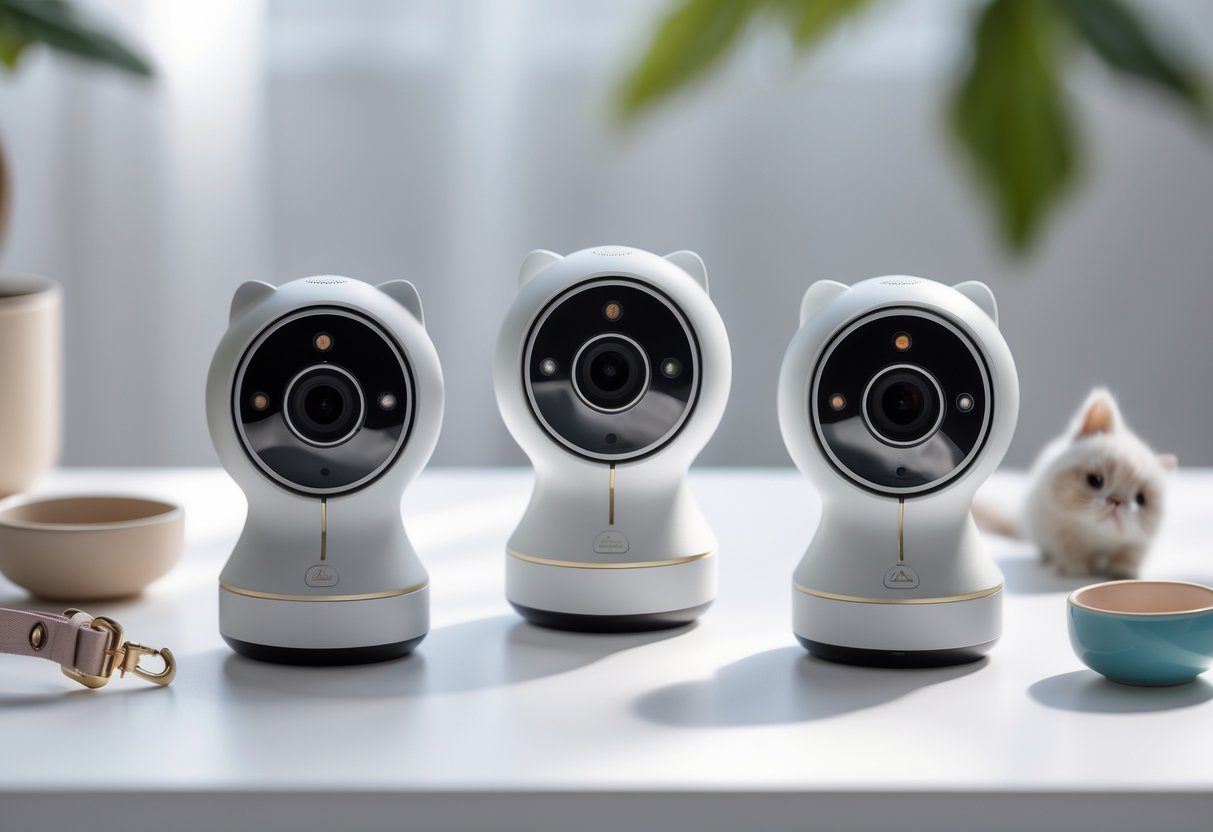
1. Petcube Cam 360 (Includes Petcube Bites Option)
We found the Petcube Cam 360 to be a strong choice for pet owners who need wide coverage and dependable performance. Its motorized pan and tilt design lets us monitor nearly every corner of a room without moving the unit. The 1080p video quality stays consistent, and the app interface is simple to use.
Key Strengths
| Feature | Description |
|---|---|
| Full-Room View | 360° horizontal rotation and 180° vertical tilt deliver broad visibility. |
| Interactive Play | The Petcube Bites version adds treat-tossing for remote engagement. |
| Two-Way Talk | Built-in microphone and speaker allow real-time communication. |
Limitations
- Cloud storage beyond the free tier requires a paid plan.
- The rotating base needs careful placement to avoid dust buildup or accidental bumps.
Who It Fits Best
We recommend this model for people who want to watch pets in open spaces or who enjoy interactive features like treat tossing. It’s less ideal for those who prefer a stationary camera or want long-term storage without fees.
Setup Advice
- Mount it high in a corner to cover the largest area.
- Adjust motion alerts to ignore small background activity.
- Schedule quiet hours if the motor noise distracts pets.
2. Furbo Dog Camera (Newest Version)
Furbo’s latest model continues to focus on canine behavior. It helps us track barking, reward good behavior, and get alerts when something unusual happens. The wide-angle lens captures clear footage, and the app makes it easy to review clips or toss treats.
Key Strengths
| Feature | Description |
|---|---|
| Dog-Focused Alerts | Detects barking and sends instant notifications. |
| Treat Launcher | Dispenses small treats on command through the app. |
| Reliable Video | 1080p resolution and a wide field of view for better coverage. |
Limitations
- The fixed lens can’t pan or tilt, so one camera may not cover large spaces.
- Some advanced tools, like cloud recording, are available only with a subscription.
Who It Fits Best
We suggest Furbo for dog owners who want bark alerts and treat tossing in one simple setup. It’s best suited for single-room use or homes with smaller layouts.
Setup Advice
- Place the camera at your dog’s eye level for natural interaction.
- Introduce the device slowly so your pet gets used to the treat sound.
- Use bark alerts to spot stress patterns or reactions to outside noises.
3. Petlibro Scout Smart Camera
The Petlibro Scout Smart Camera focuses on intelligent monitoring. It uses AI to recognize pets, track movement, and summarize daily activity. We appreciate how it reduces false alerts, which helps us focus on real events instead of random motion.
Key Strengths
| Feature | Description |
|---|---|
| AI Detection | Identifies pets and filters out irrelevant motion. |
| Auto-Tracking | Keeps pets centered in the frame as they move. |
| Color Night Vision | Captures clear images even in dim lighting. |
Limitations
- Some AI-based options require a subscription.
- Updates may temporarily affect detection accuracy.
Who It Fits Best
This model works well for households with multiple pets or owners who value smart filtering. It suits those who want daily summaries without constant manual checks.
Setup Advice
- Place it where pets often gather, such as near feeding areas.
- Give the AI a few days to learn your pets’ normal activity.
- Review privacy settings to control data storage and sharing.
📸 Adding Real Product Images
To include product photos, upload them to your site’s media library and replace the sample links below:
| Placeholder | Replace With |
|---|---|
https://via.placeholder.com/400x300 | Your uploaded image URL |
| 🐾 | Optional minimalist icon if you prefer no photo |
Use clear, well-lit images of each best pet camera in use to help readers visualize setup and scale.
Petcube Cam 360
Main Highlights
We use the Petcube Cam 360 to keep an eye on pets with 1080p HD video and smooth pan‑tilt‑zoom control. It supports two‑way audio for real‑time interaction and offers night vision for clear viewing after dark. Some models include treat tossing for extra engagement.
Things to Note
- Certain smart tools need a paid plan.
- A secure, level mount helps maintain steady video.
- Works best with a reliable Wi‑Fi connection.
Furbo Dog Camera
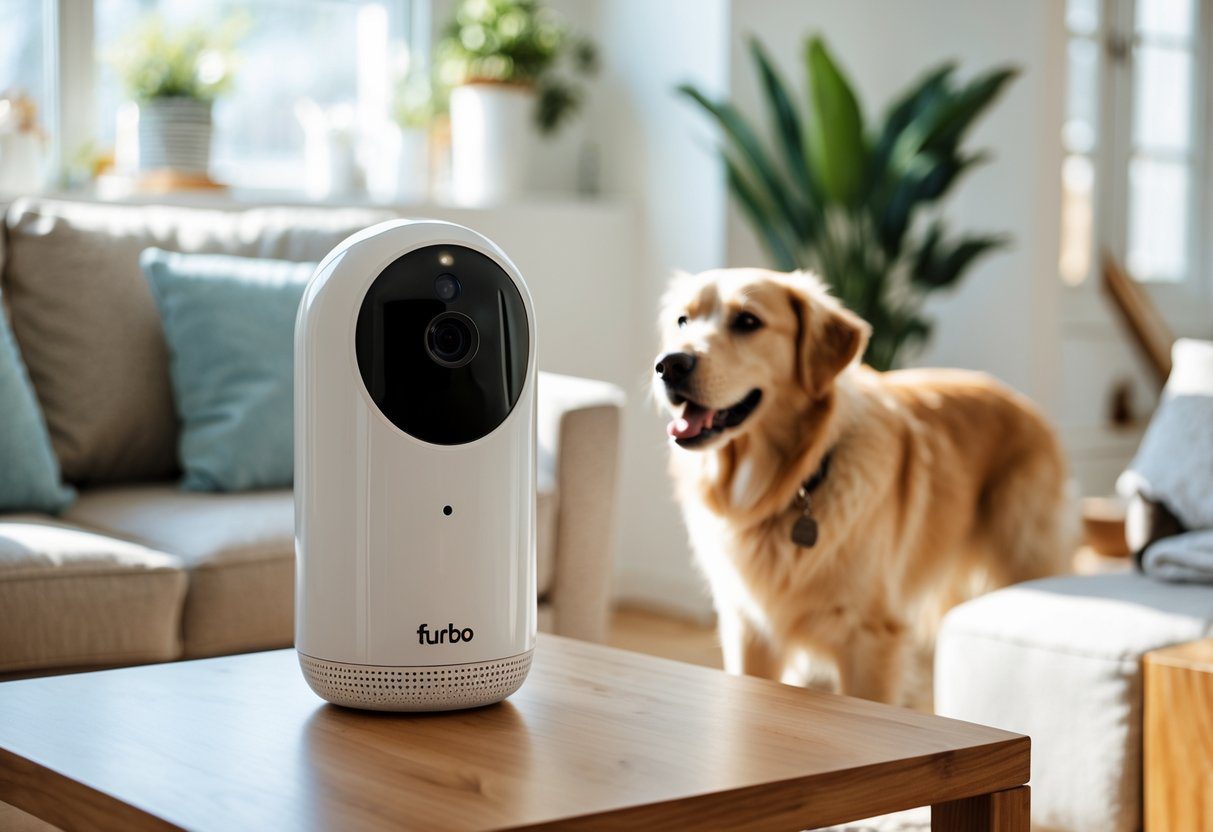
Main Functions
We use this camera to keep an eye on pets with clear 1080p HD video and a wide 160° view. It includes two-way sound so we can talk to our pets and a treat dispenser for positive interaction. Bark alerts send real-time notifications, and setup through the mobile app is simple.
Things to Keep in Mind
A monthly plan is needed for saved video access. Because the best pet camera has a fixed view, we might need more than one unit to cover larger spaces.
Petlibro Scout
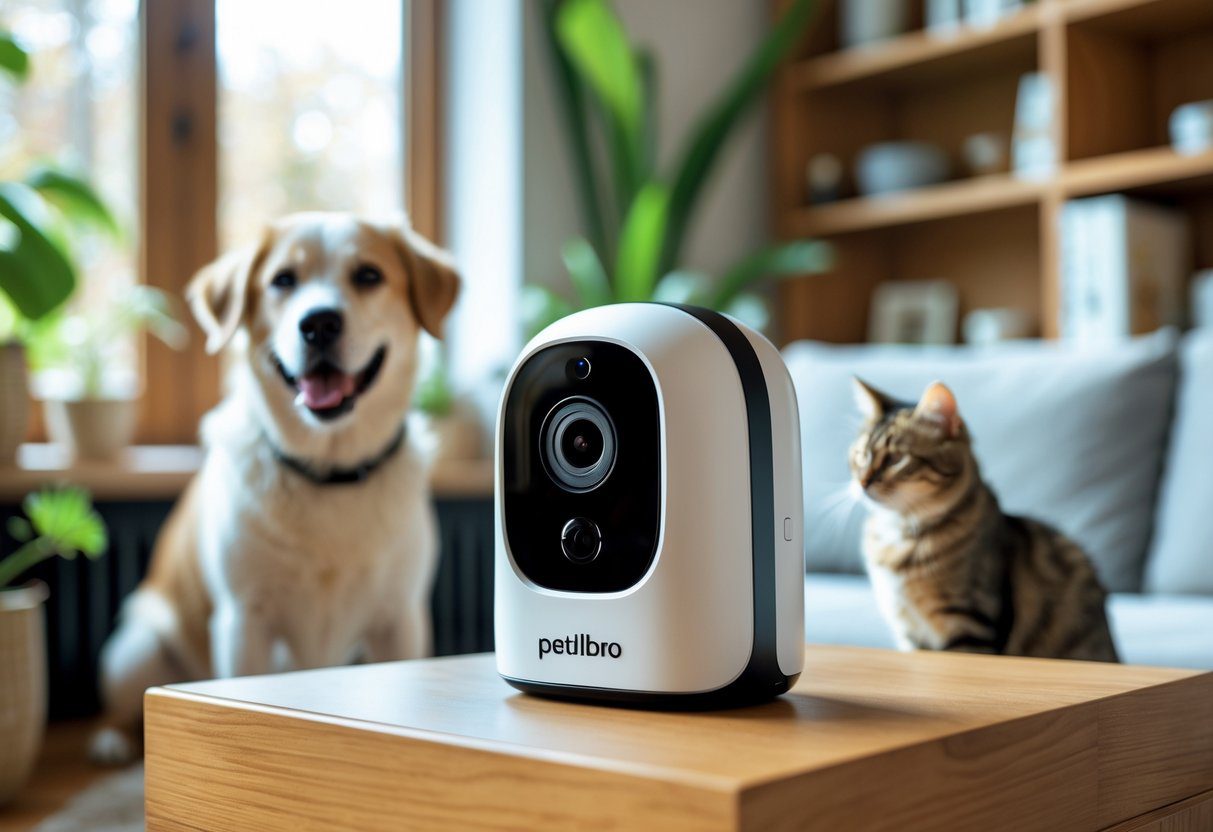
Main Functions
We use the Petlibro Scout to keep an eye on our pets with clear 1080p video and color night vision. Its AI system can spot and follow each pet, recognize multiple animals, and send real-time motion alerts straight to our phones.
Things to Note
Some AI options need a paid plan, and we may see occasional tracking mistakes.
| Feature | Detail |
|---|---|
| Resolution | 1080p HD |
| AI Detection | Multi-pet recognition |
| Alerts | Smart movement notifications |
⚡ Quick Comparison
We reviewed three popular best pet camera’s to highlight how they differ in features and price. Each one offers clear video and helpful tools for staying connected with pets.
| Feature | Petcube 360 | Furbo | Petlibro Scout |
|---|---|---|---|
| Video Quality | 1080p | 1080p | 1080p |
| View Range | 360° pan/tilt | 160° fixed | Auto-tracking |
| Night Vision | ✓ Standard | ✓ Standard | ✓ Color |
| Two-Way Audio | ✓ | ✓ | ✓ |
| Treat Dispenser | Optional | ✓ | ✗ |
| AI Detection | Basic | Bark alerts | Advanced |
| Best For | Large rooms | Dog owners | Multi-pet homes |
| Price Range | $$ | $$$ | $$ |
| Our Rating | ★★★★½ | ★★★★★ | ★★★★☆ |
Ultimate Buying Guide: How to Choose the Right Pet Camera
Feature Checklist
Before buying, we should match what we need with what each camera offers. Use this quick list to help narrow options:
| Feature | What to Consider |
|---|---|
| Coverage | Decide if one camera can view the whole area or if we need several for full coverage. |
| Interaction | Choose between simple viewing or added tools like two-way audio and treat tossing. |
| Storage | Compare local SD storage with cloud plans that may include encrypted backups. |
| Smart Alerts | Look for motion or pet recognition to avoid false notifications. |
| Integration | Check if it connects with voice assistants or other smart home devices. |
| Security | Confirm that it uses strong encryption and that the maker provides reliable updates. |
Planning the Budget
We should set a spending range before shopping.
Low-cost models handle basic monitoring but often skip advanced tools.
Mid-tier options usually balance price and quality, adding clearer video and limited AI.
Premium cameras include top security and advanced tracking, but the extra cost may not fit every household.
Frequent Buying Errors
Many buyers rush and overlook key details.
- Picking the lowest price without reading app or firmware reviews.
- Forgetting that some features require paid subscriptions.
- Mounting the camera poorly, such as too low or facing bright light, which reduces visibility.
Setup & Security Best Practices
1. Reliable Network Protection
We keep our cameras secure by using unique, complex passwords for each device and account. Placing connected devices on a guest or isolated network helps protect personal files and work systems. We also make sure to update router and best pet camera firmware regularly to close security gaps.
| Step | Action | Benefit |
|---|---|---|
| 1 | Use strong passwords | Prevents unauthorized access |
| 2 | Separate networks | Limits exposure to other devices |
| 3 | Update firmware | Fixes known vulnerabilities |
2. Safe App and Account Management
We enable two-factor authentication (2FA) whenever available. We check app permissions often and remove anything unnecessary. It’s also smart to review connected devices and delete old access tokens.
3. Smart Placement and Privacy
We mount cameras high to reduce tampering and get better coverage. We avoid pointing them toward private areas or neighboring properties to respect privacy.
4. Video Storage and Legal Awareness
We confirm where video footage is stored and how long it’s kept. For sensitive use, we select services with clear data policies and compliance features that meet professional standards.
Complementary Smart Pet Devices
Connected Tracking Collars
Smart collars help us track our pets’ location, activity, and sometimes vital signs. When paired with camera footage, these details make it easier to understand changes in movement or rest patterns. This helps us spot early signs of stress or illness.
Automated Feeders and Water Stations
We can schedule meals, manage portion sizes, and get alerts if a pet misses feeding time. A quick best pet camera check confirms whether our pet actually ate.
| Feature | Benefit |
|---|---|
| Portion control | Prevents overfeeding |
| Timed meals | Keeps routine consistent |
Self-Cleaning Litter and Grooming Tools
Smart litter boxes and grooming devices track hygiene habits and cleaning cycles. These records help us monitor long-term wellness, especially for older or medically sensitive pets.
Connected Home Routines
Integrating pet devices with home systems lets us automate comfort. For example, we can dim lights during rest, pause media when pets are sleeping, or start soothing sounds if the best pet camera detects anxiety.
Join the Smart Pet Tech Newsletter
Stay connected with our bi-weekly updates featuring:
- Hands-on gear reviews
- Step-by-step setup guides
- Exclusive member discounts
- Reliable troubleshooting tips
We respect your privacy—no spam, no data sharing, and you can unsubscribe whenever you choose.
FAQ: Pet Cameras & Smart Pet Tech — SEO and AI Optimized
Q: What makes a pet camera different from a regular security camera?
A pet camera focuses on monitoring animals, not just home security. These devices often include two-way audio, treat tossing, and AI-based pet detection that recognizes barking or movement. Standard security cameras mainly record activity for safety and usually lack pet-specific tools.
| Feature | Pet Camera | Standard Security Camera |
|---|---|---|
| Two-way audio | ✅ | ⚠️ Sometimes |
| Treat dispenser | ✅ | ❌ |
| Pet behavior alerts | ✅ | ❌ |
| Motion detection | ✅ | ✅ |
Q: Are pet cameras a good investment?
We find them worthwhile for most pet owners. They help us monitor behavior, reduce anxiety, and stay connected when away. For pets with health or emotional concerns, these cameras can provide helpful insights and reassurance.
Q: Do pet cameras come with subscription costs?
Many models allow free live viewing. However, premium options—like cloud storage, AI alerts, and video history—often need a paid plan. To avoid ongoing costs, we can choose cameras that support local storage or offer one-time purchase plans.
Q: Can pet cameras support training and manage separation anxiety?
Yes. Using two-way talk and treat dispensing, we can reward calm behavior and redirect unwanted actions. When combined with consistent routines, exercise, and enrichment, these tools reinforce training and help pets feel secure while we’re away.
Q: How can we protect our pet camera feed?
To keep video feeds private:
- Use strong, unique passwords and two-factor authentication.
- Put smart devices on a guest or separate network.
- Update firmware regularly to patch security risks.
Q: Where should we place the camera for best results?
Position the camera high in a corner to capture the full room. Aim it toward feeding and resting areas while avoiding direct light or windows. A stable Wi-Fi signal ensures smooth streaming and accurate detection.
Q: Can a single camera monitor several pets?
Yes, many AI-powered models track multiple animals at once. Still, wide coverage and good lighting improve detection. In larger homes, using more than one camera gives better visibility and accuracy.
Q: What common mistakes should we avoid with pet cameras?
- Ignoring recorded footage and relying only on alerts.
- Overusing the microphone to talk to pets, which can cause dependence.
- Leaving default passwords unchanged or skipping software updates.
Conclusion: Bringing It All Together
Smart pet tools help us stay aware and connected. Pet cameras act as the main link, giving us real-time views and alerts. When we pair them with smart collars, automatic feeders, and home systems, we create a simple network that supports daily care.
| Feature | Purpose | Example Use |
|---|---|---|
| Camera | Live video and motion alerts | Check pets while away |
| Smart Collar | Tracks activity and health | Monitor movement patterns |
| Feeder | Schedules meals | Keeps feeding consistent |
We can choose devices that match our space, budget, and how interactive we want our setup to be.
Frequently Asked Questions
What key features should we consider when choosing a reliable pet camera?
When selecting a pet camera, we should focus on video quality, two-way audio, and motion detection. A clear image helps us see small details, while two-way audio lets us talk to our pets. Features like night vision and treat dispensers add convenience for monitoring pets day and night.
Checklist of useful features:
- HD or 2K video resolution
- Wide-angle lens
- Two-way audio
- Motion and sound alerts
- Treat tossing or interactive play options
- Secure cloud or local storage
How do cameras without subscription plans differ from those that require one?
Pet cameras that work without subscriptions often store video locally on an SD card. They save money over time but may have limited storage or fewer smart alerts. Subscription-based cameras usually include cloud storage, smart detection, and longer video history, which can be helpful for tracking behavior or security events.
| Type | Storage | Smart Features | Cost Over Time |
|---|---|---|---|
| No Subscription | Local (SD card) | Basic alerts | One-time purchase |
| With Subscription | Cloud-based | Advanced AI alerts | Monthly or yearly fee |
Which camera provides the most useful tools for dog monitoring?
For dogs, we should look for cameras with treat dispensers, two-way talk, and wide viewing angles. Devices like the Furbo or Petcube Bites are popular because they let us reward dogs remotely and check in during the day. A sturdy build and strong Wi-Fi connection also matter for active pets.
Are there cameras made for travel or portable use?
Yes, some compact cameras are designed for travel or temporary setups. They often use battery power, Wi-Fi connectivity, and mobile app control. These models are handy for hotel stays or car trips, allowing us to watch our pets from anywhere with an internet connection.
Can we use pet cameras effectively for cats, and what specs work best?
Pet cameras help us monitor cats’ behavior, especially when they roam or play at night. Ideal features include quiet operation, night vision, and motion tracking to follow quick movements. A laser toy or interactive play mode can keep cats engaged while we’re away.
What benefits do Wi-Fi pet cameras offer compared to traditional ones?
Wi-Fi-enabled cameras let us view live feeds through apps, get instant alerts, and control features remotely. Traditional cameras usually record footage locally and lack remote access. With Wi-Fi models, we can check on pets anytime, making them more flexible and user-friendly.

15 thoughts on “Best Pet Camera For Monitoring Your Pets Anytime”