Pet cameras allow pet owners to keep an eye on their furry friends no matter where they are. They offer more than just video streaming; many come with features like two-way audio, treat dispensers, and motion alerts that help owners interact with pets remotely.
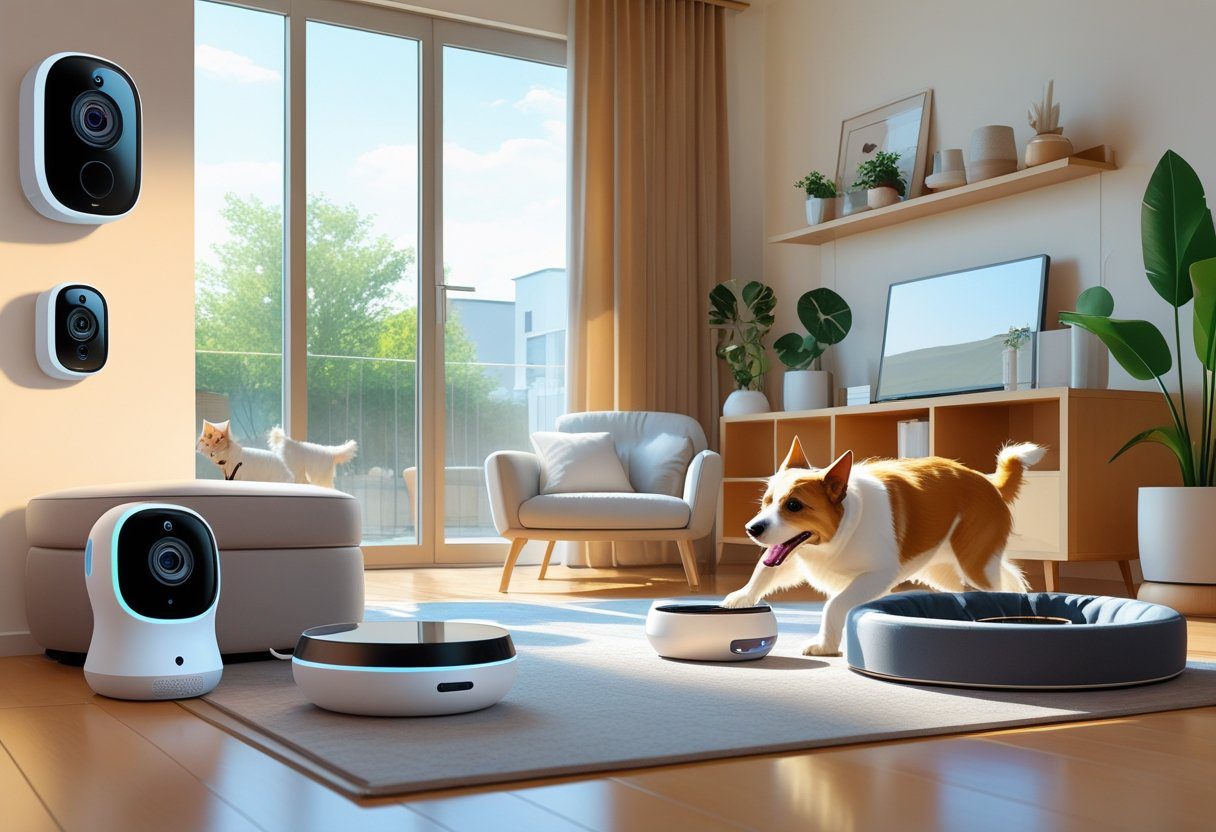
The best pet cameras provide real-time monitoring with useful alerts and interactive tools to keep pets safe and engaged when their owners are away. These devices vary in capabilities, price, and ease of use, so choosing the right one depends on what features matter most for both the pet and the owner’s lifestyle.
Pet cameras are also becoming smarter, offering advanced detection and smooth integration with smart home systems. This makes it easier than ever to stay connected and respond quickly if a pet needs attention.
Key Takeaways
- Pet cameras offer live monitoring and interactive features for pet care.
- Important features include alerts, treat dispensing, and easy setup.
- Smart technology enhances pet monitoring and home integration.
What Are Pet Cameras and How Do They Work?
Pet cameras are devices designed to help pet owners keep an eye on their pets remotely. They connect to home Wi-Fi and stream live video to a smartphone or computer. Many models include features that allow interaction, making these cameras more than just simple monitors.
These devices offer clear video quality, often include two-way audio, and sometimes have treat dispensers. They work by using wireless connections and apps to give real-time access to pets from anywhere.
Key Features of Pet Cameras
Pet cameras usually have high-definition video to show pets clearly. Many offer night vision so pet owners can see in dark rooms.
Two-way audio is common, letting owners talk to and hear their pets. Some models come with treat dispensers that throw snacks remotely, which helps owners reward or comfort pets.
Motion detection alerts notify owners when pets move or when unusual activity happens. The cameras connect to Wi-Fi and work through mobile apps that provide live streaming and sometimes video recording.
Differences Between Pet Cameras and Security Cameras
While security cameras mainly focus on home safety, pet cameras are designed specifically for monitoring and interacting with pets.
Pet cameras offer pet-friendly features like treat dispensers and lasers to engage animals. They usually have two-way audio, which many security cameras lack.
Security cameras might have wider coverage or stronger zoom but lack interactive functions. Pet cams prioritize ease of use through smartphone apps that focus on connecting owners with pets, not just capturing footage for security.
Benefits for Pet Owners
Pet cameras give owners peace of mind by letting them check on pets anytime. This is useful for anxious pets or those with health issues.
Owners can monitor pet behavior, catch destructive habits, and prevent problems early. The ability to interact through two-way audio or treats helps reduce separation anxiety for pets.
Some pet cameras double as security devices with alerts for unexpected movements, adding value beyond pet care. These tools help keep pets safe, entertained, and connected to their owners even when apart.
Essential Features to Look For
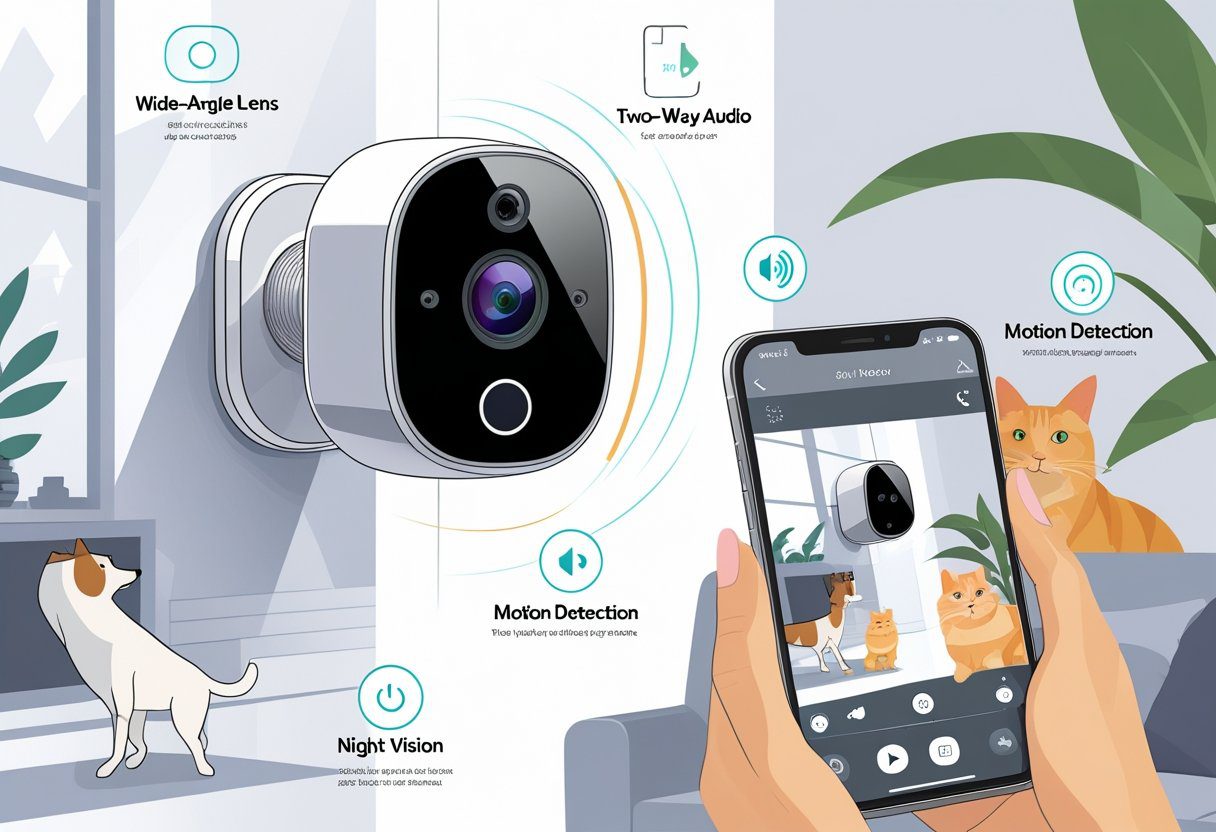
A good pet camera offers clear video, wide viewing angles, strong night vision, and reliable audio for interaction. These features help pet owners monitor their pets accurately and stay connected no matter where they are.
Video Resolution and Video Quality
Video resolution determines how clear the image will be. Most pet cameras offer 1080p HD resolution, which provides sharp and detailed video. This level is enough to see your pet’s movements clearly and catch small details like facial expressions.
High video quality includes more than just resolution. It also means good color accuracy, smooth motion, and minimal lag. Avoid cameras with low-resolution video, as this makes it hard to identify your pet or notice important behavior.
Some cameras include digital zoom, but keep in mind zooming reduces image quality. Choosing one with a high starting resolution means you can zoom with less loss to clarity.
Field of View and Wide-Angle Lens
The field of view (FOV) indicates how much area the camera covers. A wide FOV helps you see more of your pet’s space without moving the camera.
Many pet cameras feature a wide-angle lens, often 120 degrees or more, to capture a large room or multiple pets at once. This is important if your pet moves around a lot or if you want to watch them in different areas.
A narrow FOV can cause blind spots. Look for cameras that balance a wide lens with good detail to ensure clear views across the whole space.
Night Vision and Color Night Vision
Night vision is essential for monitoring pets in low light or at night. Traditional pet cameras use infrared LEDs to show black-and-white images in the dark.
Some newer models offer color night vision, which uses enhanced sensors and lighting to provide clearer, more natural images at night. Color night vision is especially useful for identifying your pet’s environment and any small movements.
Good night vision should have a range of 15 to 30 feet to cover typical room sizes. It should also switch between day and night modes automatically for ease of use.
Audio Capabilities and Two-Way Communication
Audio features allow owners to hear their pets and speak back to them. Basic pet cameras only record sound, but many now include two-way audio or two-way communication.
Two-way audio includes a microphone and speaker, letting owners talk to pets and calm them if needed. This is helpful for reducing separation anxiety or giving simple commands.
Clear sound quality is important. Look for cameras that reduce background noise and avoid delays in audio transmission. This makes the communication feel natural and effective.
Smart Detection and Alerts
Pet cameras now come with advanced features that help owners monitor their pets more accurately. These features focus on distinguishing pets from people, detecting motion in specific areas, and notifying owners about important activities like barking.
Motion Detection and Pet Detection
Motion detection alerts owners when any movement occurs in the camera’s view. Modern pet cameras improve on this by using pet detection technology, which can tell the difference between humans, animals, and even small insects. This reduces false alarms.
Owners can often adjust the sensitivity of motion detection. This means the camera won’t send an alert for every small movement but will focus on meaningful activity. The camera can cover wide areas with 355-degree rotation and zoom functions, allowing detailed monitoring of pets indoors.
Pet detection helps limit interruptions caused by unrelated movements. Cameras with AI-based detection send alerts specifically when pets move, making it easier for owners to focus on their furry friends.
Barking Alerts and Activity Zones
Barking alerts notify owners when their dog is making noise. This feature is useful for tracking a pet’s behavior or spotting possible distress. Alerts can be customized to avoid unnecessary notifications from outside noises.
Activity zones let owners set specific areas within the camera’s view to monitor closely. For example, a zone can be set around the pet’s bed or play area. When motion is detected in these zones, the camera sends focused alerts, improving relevance and reducing false alarms.
Together, barking alerts and activity zones give owners precise control over monitoring, making pet care more efficient and connected.
Storage Options and Privacy
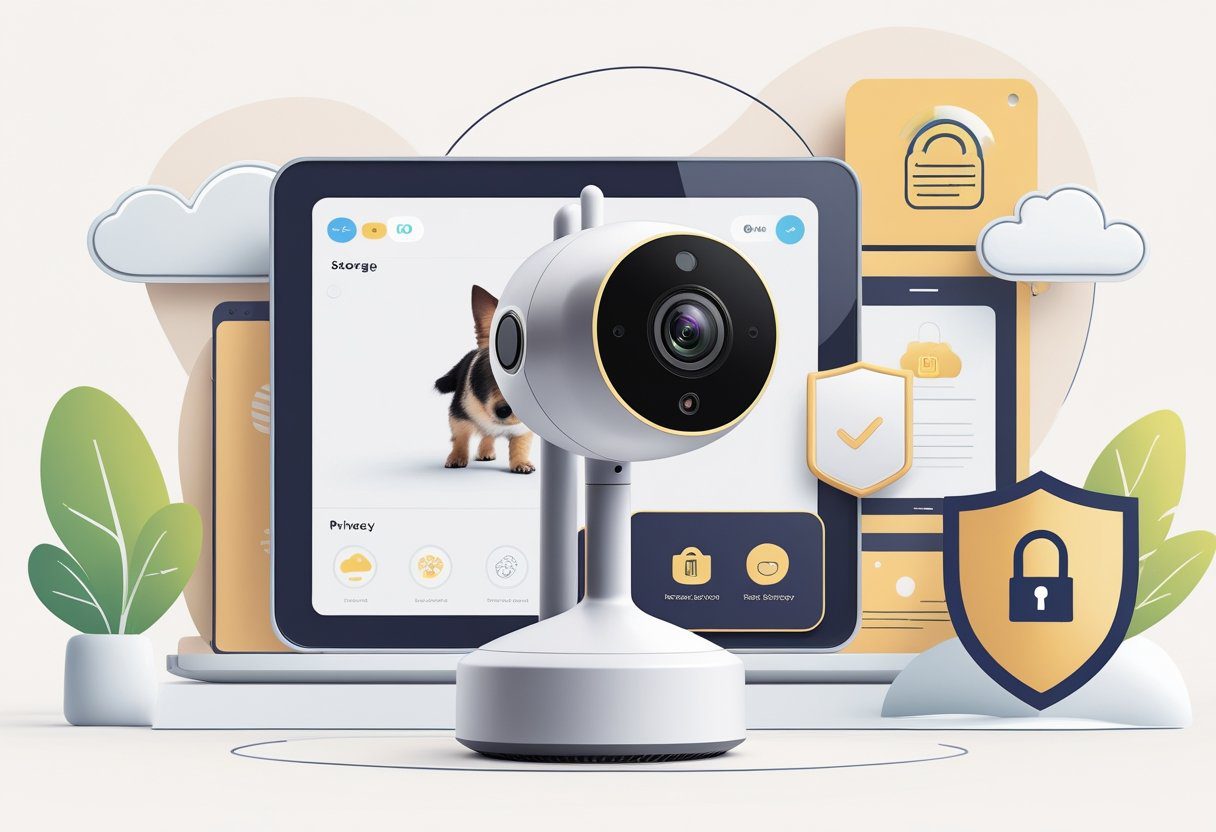
Pet cameras offer several ways to save video footage. These options affect how users access their videos and how safe their data remains. Choosing between cloud or local storage and understanding device features is key for many pet owners.
Cloud Storage vs. Local Storage
Cloud storage uploads video data to remote servers accessible through an app. It allows users to view live or recorded footage from anywhere with internet access. Many pet cams, like Furbo, offer cloud storage but often require a subscription to unlock full features such as motion alerts and event summaries.
Local storage saves footage on the device itself or nearby, without internet dependence. This can be done via built-in memory or microSD cards. Local storage avoids monthly fees and reduces risks related to online hacking but limits remote access and sharing options.
Users should weigh convenience against cost and security when selecting between cloud and local storage.
microSD Card Capabilities
Many pet cameras support microSD cards, allowing users to save videos directly to the device. This option provides instant access to footage without paying for cloud services. Users can remove the card to transfer videos to other devices or back them up.
The size of the card affects how much footage can be stored. Common capacities range from 32GB to 128GB or more, with larger cards letting users keep more video before overwriting old files.
Some cameras automatically loop recording, deleting the oldest videos when the card is full. It’s important to check if a pet cam supports microSD cards and whether it includes a slot or requires separate purchase.
Data Security and Privacy Considerations
Data security is crucial for pet cameras, especially when using cloud storage. Users should look for devices with strong encryption for data transmission and storage. This protects footage from unauthorized access.
Manufacturers that update their firmware frequently help keep devices safe from hacks. Two-factor authentication on apps adds an extra layer of protection.
Privacy policies are important to understand. Some companies may use video data for their own purposes or share it with third parties. Checking how providers handle data can prevent unwanted exposure.
Users who prefer local storage often have more control over their data and may feel safer avoiding cloud connections.
Interactive and Unique Functionalities
Pet cameras today offer more than just video feeds. Many models include features that help owners engage with their pets and monitor their behavior, even from a distance. These features can ease separation anxiety and keep pets entertained.
Treat Dispensers and Treat Tossing
Treat dispensers are common in interactive pet cameras. They allow owners to release snacks remotely, helping to reward good behavior or simply keep pets happy. Some devices can toss treats a short distance, encouraging pets to move and play.
These treat-dispensing features often come with app controls, letting owners schedule treat times or give random treats. Models like Furbo include cameras with 360-degree views that work alongside treat tossing. The sound alerts when treats are dispensed can sometimes startle pets, so some cameras allow owners to adjust or mute these noises.
Laser Pointer and Play Features
Certain pet cameras include laser pointers or other play elements to keep pets active. Owners can control a laser beam through the camera’s app, directing the pet’s attention away from boredom or anxiety.
These play features vary in effectiveness, depending on the pet’s interest. While some devices offer scheduled playtimes, the remote control ability lets owners interact in real time. However, these features are usually found in more specialized devices rather than basic pet cameras.
App Integration and Alerts
The app is key to most pet cameras’ interactivity. It allows owners to see live video, control features like treat dispensing or laser pointers, and receive alerts about pet activity.
Apps such as the Wyze app provide two-way audio and notifications when motion or sound is detected. Some advanced cameras send alerts about unusual behavior like barking or scratching. Cloud storage options let owners review footage later. Strong app security, like two-factor authentication, is important to protect privacy while using these connected devices.
Compatibility and Smart Home Integration
Pet cameras work best when they connect smoothly to smart home systems. This allows pet owners to control cameras with voice commands, set automated routines, and link them to other devices for better monitoring.
Google Home and Apple HomeKit Support
Many pet cameras support Google Home, allowing users to view video feeds on smart displays like Google Nest Hub. This lets owners check on pets using voice commands such as “Hey Google, show me the living room camera.” Cameras that integrate with Google Home also appear in the Google Home app, making it easy to manage settings alongside other smart devices.
Apple HomeKit support is less common but increasingly important. Cameras compatible with HomeKit offer encrypted streaming and privacy features built into Apple’s system. Owners can use the Home app to view cameras and trigger scenes that might include lights or locks, helping to create a secure environment around their pets.
IFTTT and Automation Integration
IFTTT (If This Then That) connects pet cameras with various apps and devices, creating custom routines. For example, a camera can send a phone alert when it detects motion or start recording if the owner leaves the house.
Using IFTTT, pet owners can link cameras to smart feeders, lights, or alarms, automating the care process. This integration is especially useful for those with multiple smart devices, allowing seamless coordination without manual control. It extends the camera’s function beyond monitoring into active pet care support.
Top-Rated Pet Cameras for 2025
Pet cameras today offer clear video, two-way audio, and interactive features for pet owners who want to stay connected. Some have treat dispensers or 360-degree views, making them useful for different types of pets and home setups.
Petcube Bites 2 Lite
The Petcube Bites 2 Lite is designed for pet owners who want a simple, effective way to check in and reward their pets. It offers 1080p HD video and night vision, allowing clear views both day and night.
Its treat dispenser can hold a moderate amount of snacks, making it easy to reward pets remotely. The two-way audio lets owners talk to their pets, encouraging interaction throughout the day.
Additionally, it connects to an app for mobile control and provides sound and motion alerts. This helps detect when pets are active or when something unusual is happening at home.
Petcube Cam
The Petcube Cam is a compact, user-friendly camera known for its clear video and sound quality. It features 1080p HD streaming and wide-angle lenses to capture a broad view of the pet’s space.
This model is light on extras but strong in core features, including two-way audio to communicate with pets. It offers sound and motion alerts, which notify owners if their pet moves or makes noise.
The Petcube Cam works with a mobile app that lets users watch live or recorded footage. Its simple setup and solid build make it ideal for owners who want a reliable, no-frills pet monitor.
Furbo 360
Furbo 360 stands out with its full 360-degree camera, giving a panoramic view so pets can be tracked all around the room. It delivers 1080p HD video with night vision for clear images in any light.
It has a treat dispenser that can hold and release treats remotely, helping to reward pets or keep them entertained. The two-way audio supports talking and listening, which helps reduce pets’ separation anxiety.
Furbo 360 also features real-time alerts for barking and movement. Its interactive design suits pet owners who want a more engaging way to connect with active or anxious pets.
Wyze Cam
Wyze Cam is known for affordability without sacrificing important features. It offers 1080p HD video with night vision and a wide field of view, good enough to cover most rooms.
This camera supports two-way audio and has motion and sound detection alerts. It lets owners hear and speak to their pets through the Wyze app easily.
While Wyze Cam doesn’t have a treat dispenser, its low price and reliable performance make it a strong choice for basic pet monitoring. It’s simple to set up and works well for those who mainly need steady video and sound.
Tips for Choosing and Setting Up Your Pet Camera
Choosing and setting up a pet camera involves careful attention to where it is placed, how it is maintained, and how to fix common problems. These factors ensure clear video, reliable performance, and long-lasting use.
Best Practices for Placement
For the best coverage, position the pet camera where pets spend most of their time. Placing it near a favorite bed or play area maximizes visibility.
Choose a spot with a strong Wi-Fi signal to avoid connection drops. Avoid areas with direct sunlight or glare, which can reduce video quality. Using a wide-angle lens helps cover larger rooms.
Mount the camera at pet eye level to capture better angles. If monitoring for safety, placing it where pets may hide or get into trouble is wise.
Keep the camera away from water sources or places with heavy dust to prevent damage.
Maintenance and Battery Life
Keeping the camera clean is essential. Regularly wipe the lens and outer surface with a soft, dry cloth to maintain clear video.
Check the device for firmware updates to improve security and functionality. Many indoor security cameras update automatically, but manual checks assure you have the latest version.
Battery life varies by model. Cameras with rechargeable batteries need charging every few days or weeks depending on usage. Some models use home power with wired connections, offering continuous operation without battery concerns.
Replacing or charging batteries on time avoids interruptions in monitoring. Opting for a home security camera with both wired and battery options gives flexibility in placement and power.
Troubleshooting Common Issues
If the video feed is blurry or lagging, check the Wi-Fi signal strength. Weak signals often cause delayed or low-quality streams. Moving the router closer or using a Wi-Fi extender can help.
If two-way audio does not work, ensure the microphone and speakers are enabled in the app. Restarting the camera or app often fixes sound issues.
Power problems may occur if batteries drain quickly or connections loosen. Inspect cables and charging ports for damage. Reset the camera if it becomes unresponsive.
Most manufacturers provide helpful guides or customer support for persistent problems. Keeping the app updated reduces bugs and improves reliability.
Frequently Asked Questions
Pet cameras come with a variety of features like treat dispensers, two-way audio, and cloud video storage. Some models work both indoors and outdoors, while others focus on specific rooms or areas.
What features should I look for in a high-quality pet camera?
A good pet camera should have clear video quality, reliable Wi-Fi connection, and the ability to save recordings. Features like treat tossing, two-way audio, and easy app control add extra value.
Can pet cameras help reduce separation anxiety in pets?
Yes, some pet cameras help reduce separation anxiety by allowing owners to interact with their pets remotely using voice and treat dispensers. However, not all pets respond well, so testing your pet’s reaction is recommended.
Are there pet cameras that offer both indoor and outdoor monitoring?
Yes, some pet cameras are designed to work indoors and outdoors. Outdoor models usually have weatherproof cases and more robust security features.
How do I set up a pet camera for multiple room surveillance?
To cover multiple rooms, use several cameras placed strategically in key areas. Most pet cameras connect through an app, allowing users to switch between live feeds easily.
What are the benefits of having a two-way audio feature on a pet camera?
Two-way audio lets owners hear and talk to their pets in real time. This can comfort pets, prevent unwanted behavior, and provide voice commands during training or play.
Do all pet cameras require a subscription service for full functionality?
Not all do. Some cameras offer basic live viewing and local storage without a subscription. However, features like cloud video storage, smart alerts, and advanced tracking often need a paid plan.

9 thoughts on “Pet Cameras: The Ultimate Guide for Pet Owners in 2025”