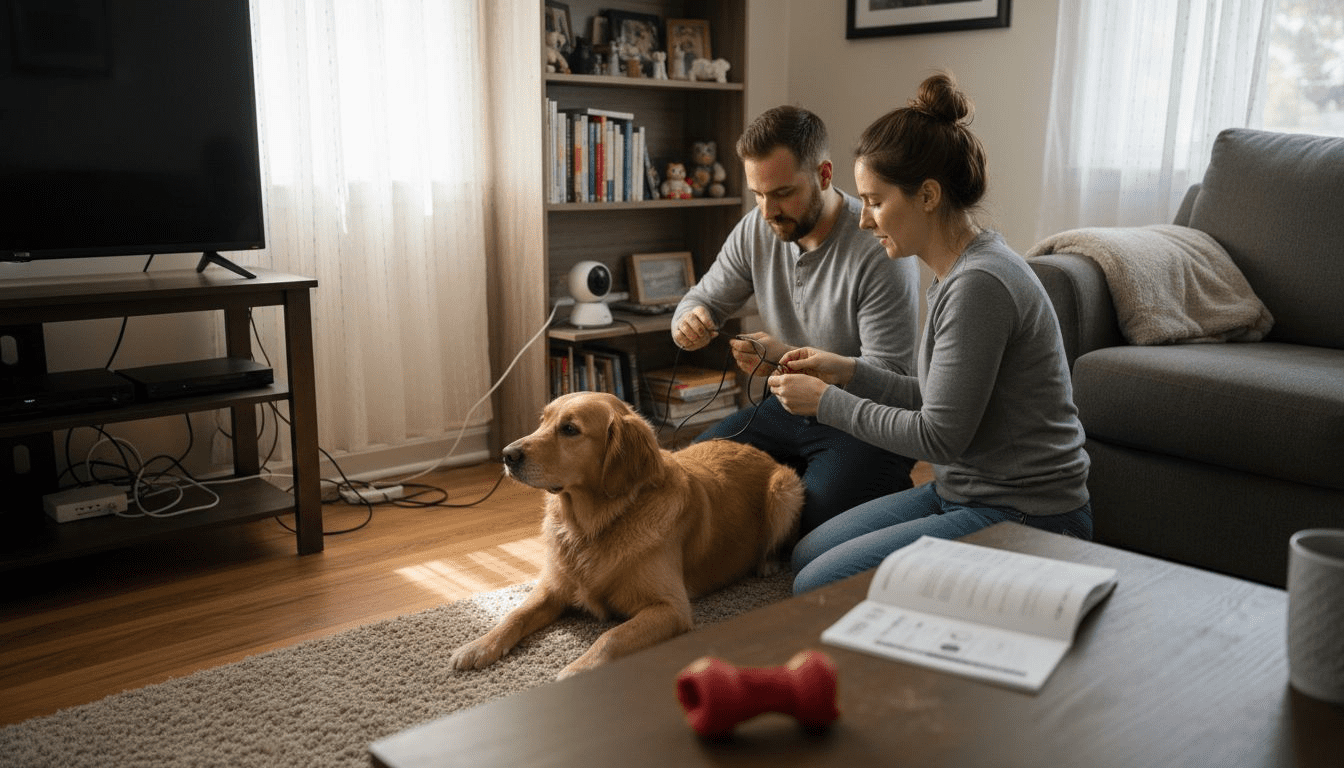
Most American pet owners believe a pet camera setup is complicated or costly, yet over 60 percent discover it’s far simpler and more affordable than they imagined. With more families treating pets as part of the household, ensuring their safety while away has become a top priority. This guide uncovers the truth behind pet camera myths and highlights which features truly matter, giving you a clear pathway to smarter, stress-free pet monitoring.
Table of Contents
- Defining Pet Camera Setup And Common Myths
- Popular Pet Camera Types And Features
- Step-By-Step Pet Camera Installation Process
- Smart Home Integration And Mobile Access
- Troubleshooting And Avoiding Common Setup Errors
Key Takeaways
| Point | Details |
|---|---|
| Pet Cameras Enhance Monitoring | Pet cameras are critical tools for pet welfare, offering advanced features that allow for real-time health monitoring and interaction. |
| Smart Home Integration Offers Advantages | Modern pet cameras can connect with smart home systems, enabling enhanced control and interaction through voice assistants and mobile applications. |
| Careful Installation is Crucial | Proper setup involves strategic camera placement and ensuring robust wifi connectivity to maximize monitoring effectiveness. |
| Prioritize Security and Privacy | Always choose pet cameras with strong security protocols and be vigilant about app permissions to protect your data and your pet’s privacy. |
Defining Pet Camera Setup and Common Myths
Pet cameras represent more than just technological gadgets for curious pet owners – they are sophisticated monitoring systems designed to enhance pet safety and owner peace of mind. Consumer Reports reveals that many home security cameras can effectively function as pet monitoring devices, challenging the common misconception that specialized pet cameras are always necessary.
Contrary to popular belief, pet cameras are not luxury items but critical tools for animal welfare. The American Kennel Club emphasizes that these devices offer far more than simple visual tracking. Advanced features like high-definition video, night vision, two-way audio, and real-time health alerts transform these cameras into potentially life-saving technologies. Pet owners can now remotely monitor their animals’ behavior, detect potential medical issues, and provide immediate interaction even when physically absent.
Typical myths about pet cameras often revolve around complexity and cost. However, modern pet camera setups range from basic smartphone-connected devices to sophisticated systems with treat dispensing, sound detection, and even AI-powered behavior tracking. The key is selecting a system that matches your specific monitoring needs and technological comfort level. Potential features to consider include:
- High-resolution video streaming
- Two-way audio communication
- Motion and sound detection alerts
- Night vision capabilities
- Treat dispensing mechanisms
- Cloud storage options
- Mobile app integration
Pro Tip for Smart Setup: Research compatibility between your chosen pet camera and your home’s existing wifi network before purchasing, ensuring seamless integration and minimal technical frustration.
Practical Warning: Not all pet cameras are created equal. Prioritize devices with robust security protocols to protect both your pet’s privacy and your home network from potential breaches.
Popular Pet Camera Types and Features
The world of pet cameras has expanded dramatically, offering a range of sophisticated monitoring solutions for pet owners. Reviews.org provides comprehensive insights into the diverse landscape of interactive pet monitoring devices, showcasing how technology has transformed pet care and remote interaction.
Modern pet cameras fall into several distinct categories, each designed to address specific monitoring needs. The primary types include stationary cameras, treat-dispensing models, and advanced smart home integrated systems. Stationary cameras offer basic video monitoring, while treat-dispensing models like Furbo and Petcube Bites 2 allow owners to interact and reward pets remotely. Almost Home Rescue highlights that advanced models now integrate seamlessly with smart home ecosystems, providing unprecedented levels of pet surveillance and interaction.
Key features to evaluate when selecting a pet camera include:
- High-definition video resolution
- Night vision capabilities
- Two-way audio communication
- Motion and sound detection
- Treat dispensing mechanisms
- Cloud storage and playback options
- Mobile app compatibility
- Smart home system integration
- Real-time activity alerts
The technological sophistication of these devices means pet owners can now do much more than simply watch their animals. Modern pet cameras enable remote play, training reinforcement, anxiety management, and immediate health monitoring. Some advanced models even use artificial intelligence to track pet behavior patterns and alert owners to potential health concerns.
Here’s a comparison of popular pet camera types and their main advantages:
| Camera Type | Typical Uses | Standout Advantage |
|---|---|---|
| Stationary Camera | Basic monitoring, simple spaces | Reliable, budget-friendly |
| Treat-Dispensing Model | Interactive rewards, remote play | Engages pets when alone |
| Smart Home Integrated | Whole-home surveillance | Seamless automation/control |
Pro Tip for Smart Selection: Assess your specific pet monitoring needs before purchasing, considering factors like your home’s layout, your pet’s typical behavior, and your technological comfort level to find the most suitable camera system.
Practical Warning: Not all pet cameras are created equal. Carefully compare features, read user reviews, and prioritize devices with robust security protocols to protect both your pet’s privacy and your home network from potential vulnerabilities.
Step-by-Step Pet Camera Installation Process
The American Kennel Club provides critical guidance for successfully setting up pet cameras, emphasizing that proper installation goes far beyond simply plugging in a device. The process requires careful planning, strategic positioning, and understanding of your specific monitoring objectives. Successful pet camera deployment involves evaluating your home’s layout, identifying optimal viewing angles, and ensuring robust technological infrastructure.

The installation process typically involves several key stages. First, assess your home’s wifi coverage and signal strength in the area where you plan to monitor your pet. Strategic camera placement is crucial – aim for a location that provides a comprehensive view of your pet’s primary living or activity space while avoiding direct sunlight or backlighting that could compromise video quality. Consumer Reports recommends considering factors like electrical outlet proximity, mounting surfaces, and potential obstructions.
Here’s a detailed breakdown of the installation process:
- Gather necessary equipment
- Pet camera
- Mounting hardware
- Smartphone or tablet
- Stable wifi router
- Optional: Extension cord or power adapter
- Prepare the installation area
- Clean mounting surface
- Check wifi signal strength
- Ensure adequate power source
- Remove potential visual obstacles
- Technical setup sequence
- Download manufacturer’s mobile app
- Create user account
- Connect camera to home wifi network
- Test camera connectivity
- Configure motion detection settings
- Adjust video quality and storage preferences
- Fine-tune camera positioning
- Experiment with different angles
- Test field of view
- Verify complete room coverage
- Check night vision functionality
Modern pet cameras offer remarkable flexibility, with many models providing wireless installation, simple app-based configuration, and advanced features like two-way audio and treat dispensing. The key is patient setup and ongoing adjustment to match your specific monitoring needs.
Pro Tip for Smooth Setup: Conduct a comprehensive test run immediately after installation, verifying all camera functions and ensuring your pet remains comfortable with the new monitoring device.
Practical Warning: Always prioritize your pet’s comfort during installation. Avoid placing cameras in locations that might cause stress or anxiety, and gradually acclimate your pet to the new monitoring system.
Smart Home Integration and Mobile Access
Almost Home Rescue highlights the revolutionary potential of smart home integration for pet cameras, transforming these devices from simple monitoring tools into comprehensive pet care ecosystems. Modern smart home connected cameras represent a significant leap forward in pet technology, offering unprecedented levels of remote interaction, monitoring, and control through seamless digital platforms.
The core of smart home integration lies in its ability to connect pet cameras with popular voice assistants and mobile applications. Users can now leverage platforms like Amazon Alexa, Google Assistant, and Apple HomeKit to create sophisticated monitoring and interaction networks. These integrations enable a range of advanced functionalities, from receiving real-time pet activity alerts to using voice commands for camera controls, treat dispensing, and even two-way audio communication.
Key smart home and mobile access features include:
- Voice assistant compatibility
- Alexa voice commands
- Google Assistant integration
- Apple HomeKit support
- Mobile app functionalities
- Real-time video streaming
- Motion detection alerts
- Cloud video storage
- Remote treat dispensing
- Activity logging
- Cross-platform connectivity
- Smartphone synchronization
- Tablet compatibility
- Multi-user access
- Secure cloud sharing
Technological advancements have dramatically simplified the user experience. Modern pet camera systems now feature intuitive mobile applications that provide comprehensive control interfaces. These apps allow pet owners to not just monitor, but actively engage with their pets from anywhere in the world. Sophisticated algorithms can detect unusual pet behaviors, send instant notifications, and even provide basic health and activity tracking insights.
Pro Tip for Smart Connection: Prioritize pet cameras with robust, user-friendly mobile applications that offer comprehensive features and seamless integration with your existing smart home ecosystem.
Practical Warning: Always review privacy settings and data sharing policies when connecting pet cameras to broader smart home networks to protect your personal and pet’s information.
Troubleshooting and Avoiding Common Setup Errors
NatureSpy reveals critical insights into the most prevalent pet camera setup challenges, highlighting that successful deployment requires more than just technological understanding. Camera placement errors can dramatically compromise monitoring effectiveness, making strategic positioning a fundamental consideration for pet owners seeking reliable surveillance.
Common setup complications frequently stem from technical misconfigurations and environmental factors. Wifi connectivity issues, inadequate power supply, and inappropriate camera positioning represent the most significant barriers to successful pet camera implementation. Understanding these potential pitfalls allows pet owners to proactively address challenges before they compromise monitoring capabilities. The Mozilla Foundation warns that inappropriate app permissions can also introduce significant privacy and security risks during the setup process.
Key troubleshooting areas include:
- Connectivity Problems
- Weak wifi signal
- Router compatibility issues
- Bluetooth pairing failures
- Network configuration errors
- Camera Performance Challenges
- Inconsistent video streaming
- Poor image quality
- Delayed motion detection
- Unexpected battery drainage
- Privacy and Security Concerns
- Excessive app permissions
- Unsecured network connections
- Potential data vulnerability
- Unauthorized access risks
Successful troubleshooting requires a systematic approach. Start by verifying basic infrastructure like internet speed, power sources, and device compatibility. Many issues can be resolved through simple steps such as router repositioning, firmware updates, or reconfiguring network settings. Advanced users might need to explore deeper technical solutions like signal boosters, alternative mounting locations, or specialized networking equipment.
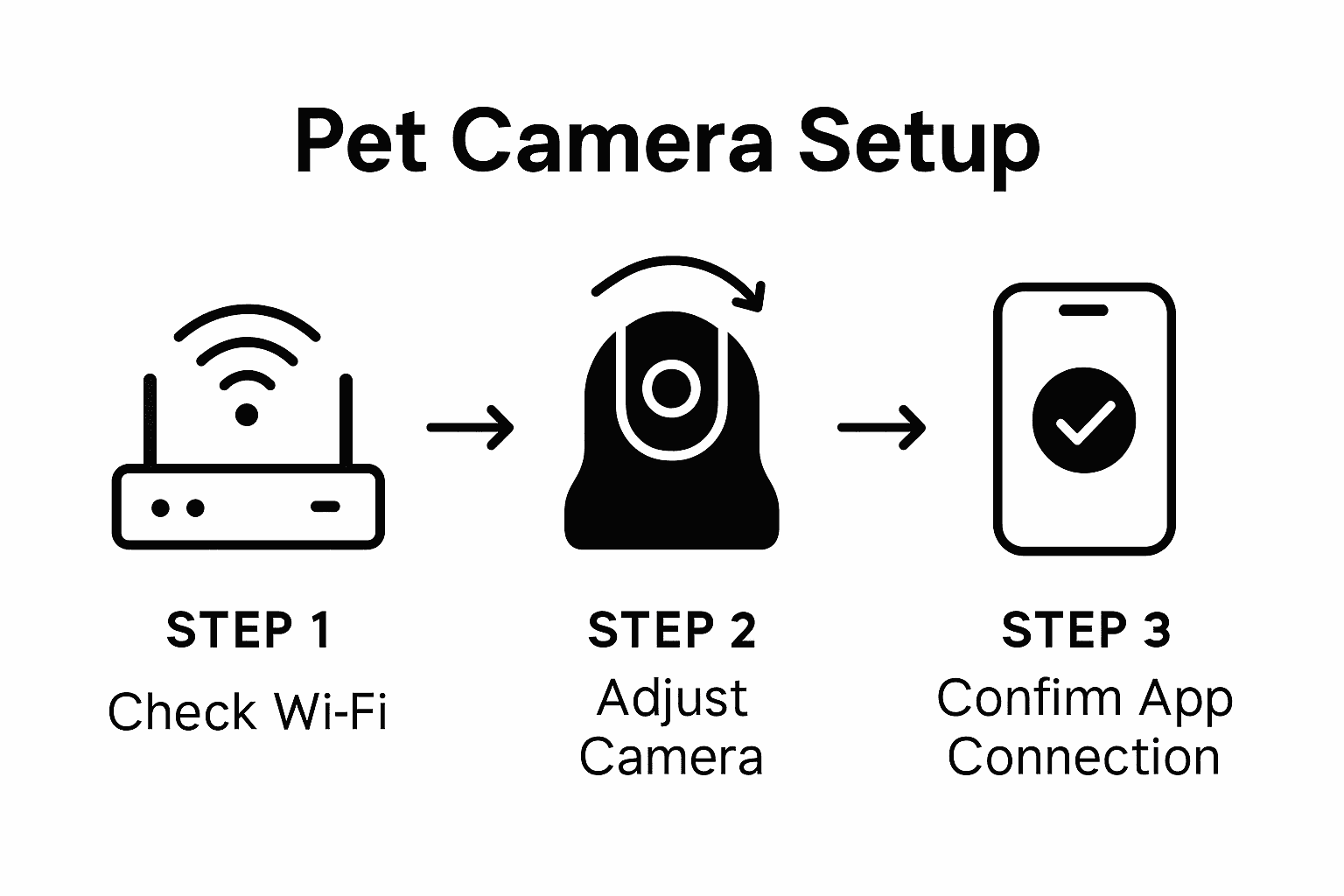
This table summarizes crucial troubleshooting focus areas and the impact if neglected:
| Troubleshooting Focus | Potential Issue | Negative Impact |
|---|---|---|
| Wifi Connectivity | Weak signal or drops | Missed activity, no video access |
| Secure Configuration | Simple passwords | Increased hacking risks |
| Camera Placement | Obstructed view | Missed pet behavior, false alerts |
| App Permissions | Too broad | Privacy loss, data vulnerability |
Pro Tip for Smooth Troubleshooting: Maintain a detailed log of any technical issues, including timestamps, error messages, and specific circumstances, to help diagnose persistent problems more effectively.
Practical Warning: Always prioritize your pet camera’s security by using strong, unique passwords and regularly updating firmware to protect against potential digital vulnerabilities.
Enhance Your Pet’s Safety and Connection with the Right Camera Setup
Setting up a pet camera can feel overwhelming with so many options and technical considerations. This article highlights key challenges such as selecting the right features, ensuring proper wifi compatibility, and avoiding common setup errors that affect monitoring effectiveness and your pet’s comfort. If you want to reduce separation anxiety, boost remote interaction, and monitor your pet’s wellbeing effortlessly, it is essential to choose a camera system that fits your unique needs and environment.
Discover expert guidance and real user reviews that break down the best pet cameras by video quality, two-way audio, treat dispensing, night vision, and smart alerts in our Pet Cameras category. Whether you seek budget-friendly solutions or advanced smart home integration, our Guides & Comparisons will help you make an informed choice.
Take control of your pet’s safety and happiness today by exploring trusted products and insightful tips at ModernPetTech. Get started now with step-by-step information and select the perfect pet camera to keep your furry companion connected every moment.
Frequently Asked Questions
What features should I look for in a pet camera?
Look for features such as high-definition video resolution, two-way audio communication, night vision capabilities, motion detection alerts, treat dispensing mechanisms, and mobile app compatibility to enhance your pet monitoring experience.
How should I position my pet camera for optimal monitoring?
Strategic placement is crucial; position the camera to provide a clear view of your pet’s primary living or activity space, avoiding direct sunlight or obstructions that could impair visibility.
How can I integrate a pet camera with my smart home system?
Choose a pet camera that is compatible with popular voice assistants like Amazon Alexa or Google Assistant, allowing for voice commands and mobile app functionalities for real-time monitoring and interaction.
What common issues should I watch for during pet camera setup?
Pay attention to potential wifi connectivity issues, camera placement errors, and ensure the app permissions are set correctly to maintain privacy and security. Regularly check for firmware updates to address any performance challenges.
Recommended
- Pet Camera Reviews & Smart Pet Tech Guides | ModernPetTech
- Discount Pet Camera Review | Best Affordable Pet Cams 2025
- budget pet camera under $50 | cheap pet cameras that work
- Cat Camera 2025: Best Smart Cameras for Modern Cat Owners
Article generated by BabyLoveGrowth

8 thoughts on “Pet Camera Setup Explained: Boosting Safety and Connection”