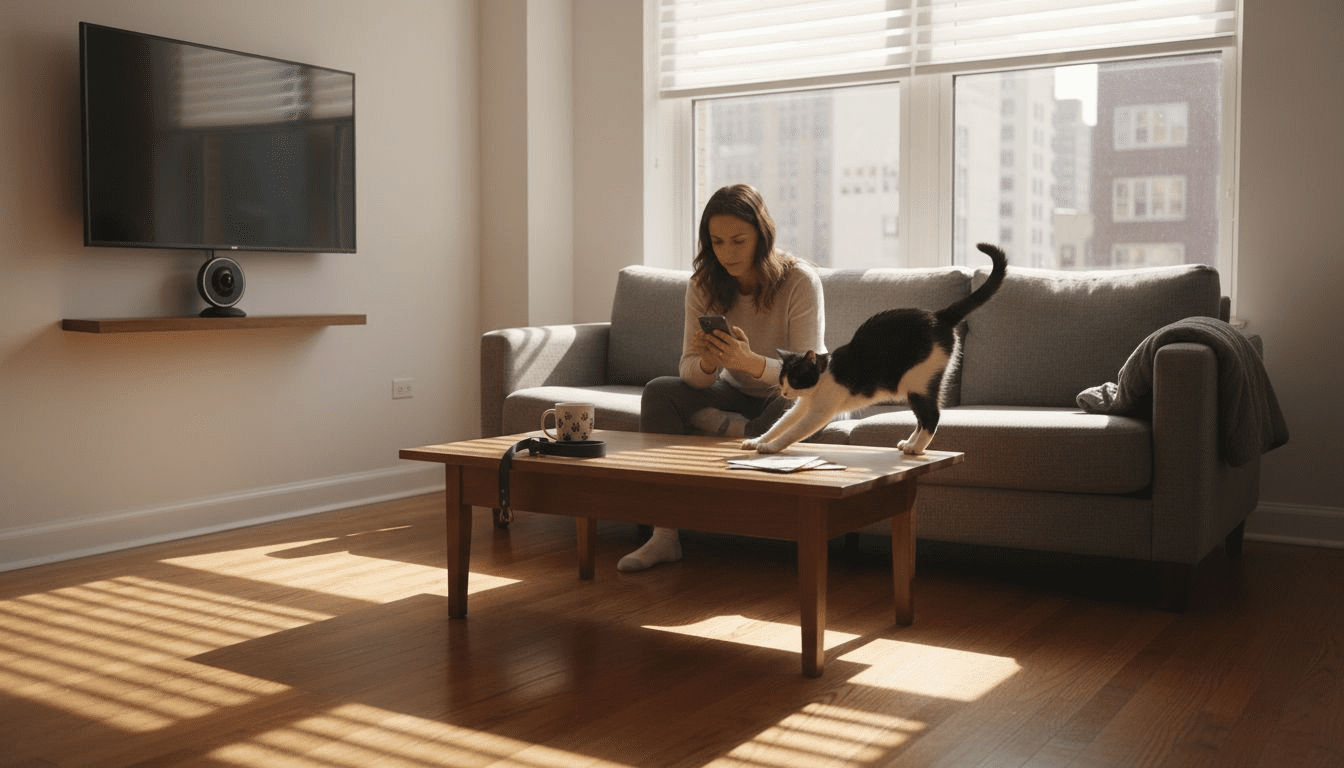
Leaving home can be tough when you want your pets safe and happy. For tech-savvy pet owners in the United States, blending advanced home security with pet monitoring is no longer a dream. Exploring interactive pet camera technology means you can watch over your furry companions, soothe their anxiety, and protect your property at the same time. From smarter alerts to remote communication, these innovations offer practical solutions that match every household’s unique needs.
Table of Contents
- Step 1: Assess Home and Pet Monitoring Needs
- Step 2: Select the Ideal Pet Camera for Security
- Step 3: Install and Connect Pet Cameras Securely
- Step 4: Set Up Smart Alerts and Remote Features
- Step 5: Test Camera Coverage and Monitor Activity
Quick Summary
| Key Takeaway | Explanation |
|---|---|
| 1. Assess Your Monitoring Needs | Evaluate your home layout, pet behaviors, and anxiety triggers to tailor your security solutions. |
| 2. Select the Right Pet Camera | Choose cameras with features like night vision and two-way audio for effective monitoring. |
| 3. Securely Install Cameras | Use strong passwords and secure networks to protect your pet camera system from unauthorized access. |
| 4. Set Up Smart Alerts | Configure motion detection and alerts for real-time notifications about your pet’s behavior. |
| 5. Test Coverage and Comfort | Ensure camera placement maximizes monitoring quality while minimizing your pet’s anxiety during adjustments. |
Step 1: Assess Home and Pet Monitoring Needs
Designing an effective home security system with pet cameras requires understanding your unique household dynamics. By carefully evaluating your specific monitoring requirements, you’ll create a tailored solution that keeps both your pets and property safe.
To begin, conduct a comprehensive assessment of your home environment and pet behaviors. Consider key factors like your pet’s activity level, daily routine, and potential anxiety triggers. Consistent health monitoring techniques help you identify potential issues before they escalate.
Evaluate your specific monitoring needs by examining:
- Home layout and typical pet movement patterns
- Areas requiring surveillance (entry points, rooms with expensive furniture)
- Your work schedule and time spent away from home
- Pet’s typical stress responses and separation anxiety levels
- Number and types of pets in your household
Pet cameras offer more than basic monitoring – they provide interactive features that can help reduce animal stress and enhance home security. Different camera systems suit different household needs, so understanding your specific requirements is crucial for selecting the right technology.
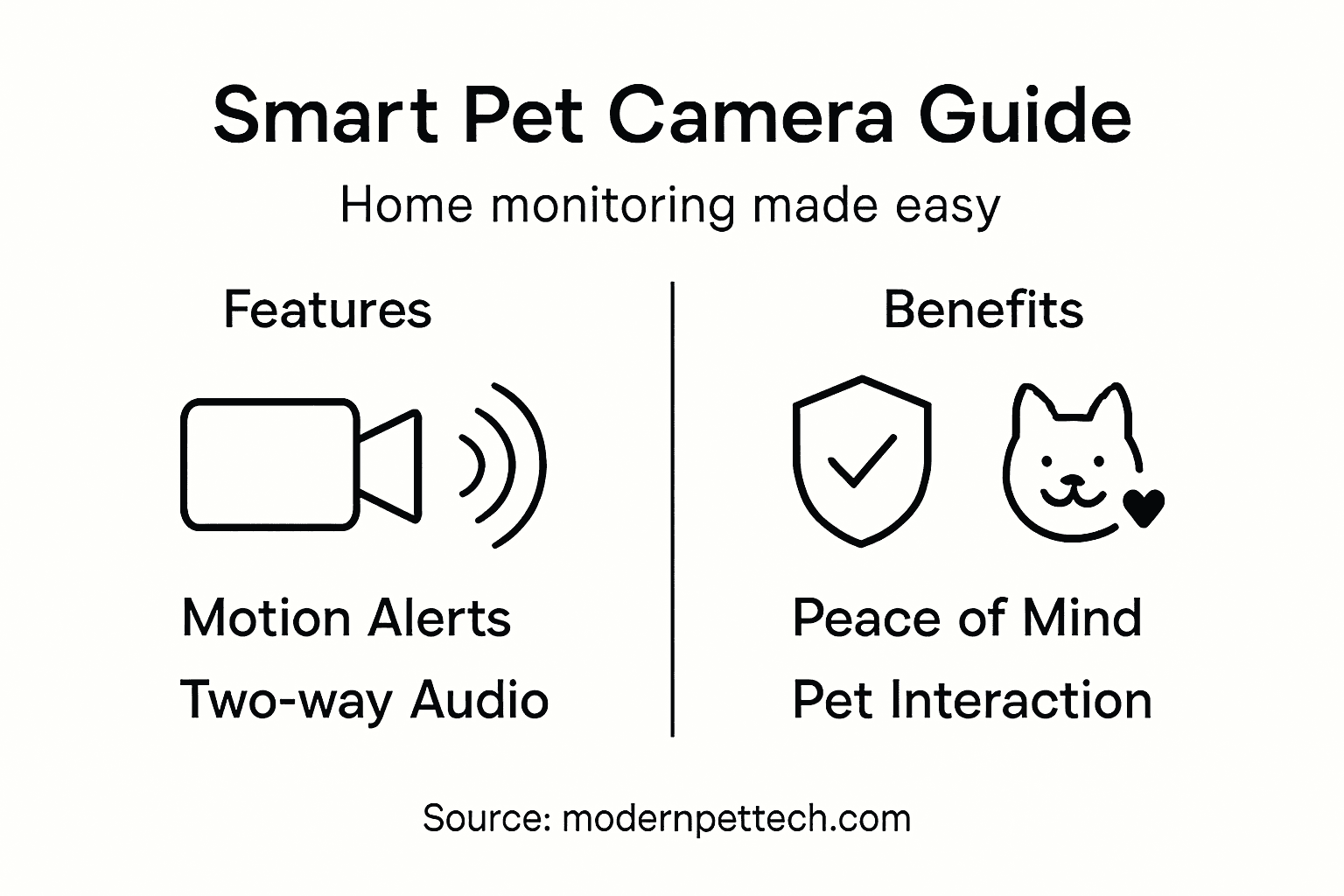
Pro tip: Create a detailed pet profile including behavioral patterns, medical history, and potential anxiety triggers to help you choose the most suitable monitoring system.
Step 2: Select the Ideal Pet Camera for Security
Choosing the right pet camera requires a strategic approach that balances home security needs with pet monitoring capabilities. Your goal is to find a device that provides comprehensive surveillance while keeping your furry friend comfortable and safe.
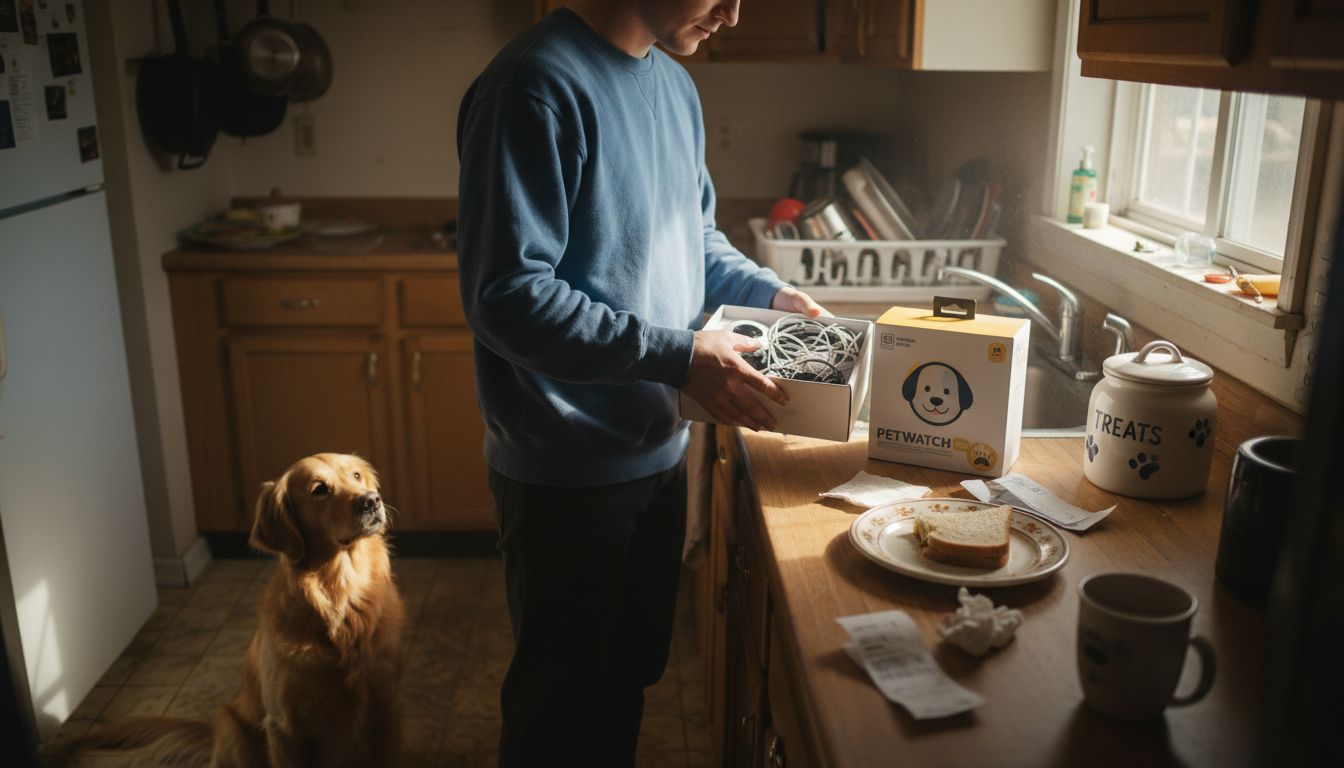
Start by examining the critical features of home security cameras that offer advanced pet monitoring technologies. Look for systems with intelligent detection capabilities that can distinguish between pets and potential intruders, ensuring you receive accurate and relevant alerts.
Key considerations for selecting the ideal pet camera include:
- Video resolution and clarity
- Field of view and coverage area
- Night vision capabilities
- Two-way audio communication
- Motion detection sensitivity
- Remote access and smartphone compatibility
- Storage options for recorded footage
- Integration with existing home security systems
Consider your specific home environment and pet’s unique behaviors when evaluating different camera systems. Some advanced cameras offer AI-powered tracking, allowing you to monitor your pet’s movements and receive real-time notifications about their activities.
Here’s a comparison of pet camera features and their benefits for homes with pets:
| Camera Feature | Benefit for Pet Owners | Home Security Impact |
|---|---|---|
| Intelligent Detection | Reduces false alerts | Distinguishes pets vs. intruders |
| Two-Way Audio | Comforts pets remotely | Allows real-time warnings |
| Night Vision | Monitors nocturnal activity | Captures intrusions 24/7 |
| App Integration | Enables mobile monitoring | Immediate response options |
A high-quality pet camera is more than just a surveillance device – it’s your remote connection to your pet’s safety and well-being.
Pro tip: Test the camera’s mobile app and user interface before purchasing to ensure it meets your technical comfort level and provides the features most important to your household.
Step 3: Install and Connect Pet Cameras Securely
Securing your pet camera system involves more than just physical placement – it requires a comprehensive approach to network and device protection. Your primary goal is creating a monitoring setup that keeps both your home and digital infrastructure safe from potential vulnerabilities.
Start by implementing robust security practices for home cameras that protect your network and personal information. This means establishing strong passwords, enabling two-factor authentication, and regularly updating your camera’s firmware to prevent unauthorized access.
Critical steps for secure pet camera installation include:
- Select a secure wireless network with encrypted connection
- Use strong, unique passwords for camera and network access
- Position cameras to maximize coverage without compromising privacy
- Disable remote access when not in active use
- Regularly update camera firmware and software
- Configure privacy settings to restrict unnecessary data sharing
- Use a separate network for IoT devices if possible
Choose camera locations strategically to balance comprehensive monitoring with your pet’s comfort. Avoid pointing cameras directly at sleeping areas or spaces where your pet might feel stressed, ensuring a sense of security for both you and your furry companion.
A well-installed pet camera protects more than just your home – it safeguards your family’s digital privacy and peace of mind.
Pro tip: Create a dedicated guest network for smart home devices to add an extra layer of security and prevent potential breaches in your primary network.
Step 4: Set Up Smart Alerts and Remote Features
Transforming your pet camera into a powerful monitoring system requires strategic configuration of smart alerts and remote interaction capabilities. Your objective is creating a seamless digital connection that keeps you informed and engaged with your pet’s daily activities.
Explore IoT-based pet monitoring technologies that enable real-time notifications and comprehensive remote interaction. Modern pet cameras offer sophisticated features that go beyond simple video streaming, providing intelligent alerts and interactive options.
Key smart alert and remote feature configurations include:
- Enable motion detection zones specific to pet areas
- Set up customized activity notifications
- Configure two-way audio communication
- Establish emergency contact alerts
- Create scheduled monitoring times
- Link camera with smartphone app
- Integrate with smart home assistants
Carefully calibrate your alert settings to balance comprehensive monitoring with minimizing unnecessary notifications. Too many alerts can become overwhelming, while too few might cause you to miss important events.
Smart alerts are not just notifications – they’re your digital lifeline to your pet’s safety and well-being.
Pro tip: Test and adjust your alert sensitivity gradually, starting with broader settings and narrowing down to find the perfect balance for your specific home environment and pet’s behavior.
Step 5: Test Camera Coverage and Monitor Activity
Ensuring comprehensive monitoring requires strategic camera placement and thorough testing to eliminate potential blind spots in your pet’s environment. Your goal is creating a seamless surveillance system that captures every important moment while respecting your pet’s comfort and privacy.
Understand optimal camera placement strategies that maximize visual coverage and minimize surveillance gaps. This means carefully mapping your home’s layout and identifying key areas where your pet spends most of their time.
Critical steps for testing camera coverage include:
- Walk through entire monitored area
- Check camera view from multiple angles
- Test night vision capabilities
- Verify motion detection sensitivity
- Confirm audio clarity
- Review video quality in different lighting conditions
- Ensure complete room coverage
Pay close attention to your pet’s behavior during the testing phase. Some animals might feel anxious with new technology, so introduce cameras gradually and observe their comfort level. Adjust camera positions to minimize stress while maintaining effective monitoring.
The following table summarizes strategies to maximize both effective monitoring and your pet’s comfort:
| Placement Strategy | Pet Comfort Factor | Monitoring Effectiveness |
|---|---|---|
| Avoid sleeping area views | Minimizes pet anxiety | Preserves privacy |
| Overlook main activity zones | Captures major movement | Complete behavioral visibility |
| Gradual camera introduction | Reduces stress response | Allows adaptation period |
Camera coverage is not just about technology – it’s about creating a safe, comfortable environment for your pet.
Pro tip: Create a video recording log during initial testing to review and fine-tune camera placement, ensuring you capture all essential areas without overwhelming your pet.
Enhance Your Home Security with Smart Pet Cameras Today
If you are seeking a reliable way to keep your home safe while caring for your pet’s comfort, integrating pet cameras with home security systems is the ideal solution. This article highlights common challenges such as distinguishing pet activity from security threats and balancing comprehensive surveillance with pet comfort. By addressing concerns like motion detection sensitivity and remote monitoring, you can transform your living space into a secure environment that also reduces your pet’s anxiety.
Discover our expert reviews and detailed comparisons in the Pet Cameras category tailored to help you select the right technology for your unique needs. Explore practical insights from our Guides & Comparisons section to understand essential features like two-way communication and night vision that ensure you never miss a critical moment.
Take control of your home and your pet’s safety by choosing smarter monitoring solutions now. Visit modernpettech.com to find trusted recommendations and make informed decisions that protect what matters most. Start enhancing your peace of mind and your pet’s well-being today.
Frequently Asked Questions
How do I assess my home and pet monitoring needs before choosing a pet camera?
To assess your home and pet monitoring needs, evaluate factors such as your home layout, your pet’s activity levels, and areas requiring surveillance. Create a detailed profile of your pet’s behaviors to help identify specific monitoring requirements, ensuring your camera choice will effectively support both your home security and your pet’s comfort.
What features should I look for in a pet camera to enhance home security?
When selecting a pet camera, prioritize features like high video resolution, motion detection, and two-way audio capabilities. Evaluate at least three systems to compare their specifications before making a decision, ensuring the camera provides both effective monitoring and enhances your home security.
How can I securely install and connect my pet camera?
To securely install your pet camera, choose a secure wireless network, use strong, unique passwords, and regularly update firmware. Ensure your cameras are positioned to cover essential areas without compromising your pet’s privacy, enhancing both security and comfort.
What smart alerts and remote features can I set up for my pet camera?
You can set up features like motion detection zones and customizable activity notifications for your pet camera to keep you informed. Test each feature during and after setup to find the optimal settings that minimize unnecessary alerts while ensuring you don’t miss important notifications.
How do I test camera coverage to make sure my pet is always monitored?
To test camera coverage, walk through the monitored area and check the camera view from multiple angles. Review the video quality and motion detection effectiveness in different lighting conditions to eliminate blind spots, ensuring comprehensive monitoring of your pet’s environment.
How can I reduce my pet’s anxiety when introducing a camera into their space?
Introduce the camera gradually to your pet’s environment to reduce their anxiety, allowing them to adapt to the new technology. Monitor their behavior during this period and adjust the camera positions if needed to create a comfortable space while maintaining effective surveillance.
Recommended
- Role of Cameras in Home Security for Pet Owners
- Pet Camera Security Benefits for Modern Pet Owners
- Pet Monitoring Setup Guide: Effortless Home Camera System
- Secure Pet Camera Workflow for Safer Home Monitoring
- Complete Guide to Pet Owner Safety Guidelines – iPupPee

3 thoughts on “Home Security With Pet Cameras Guide for Smart Owners”