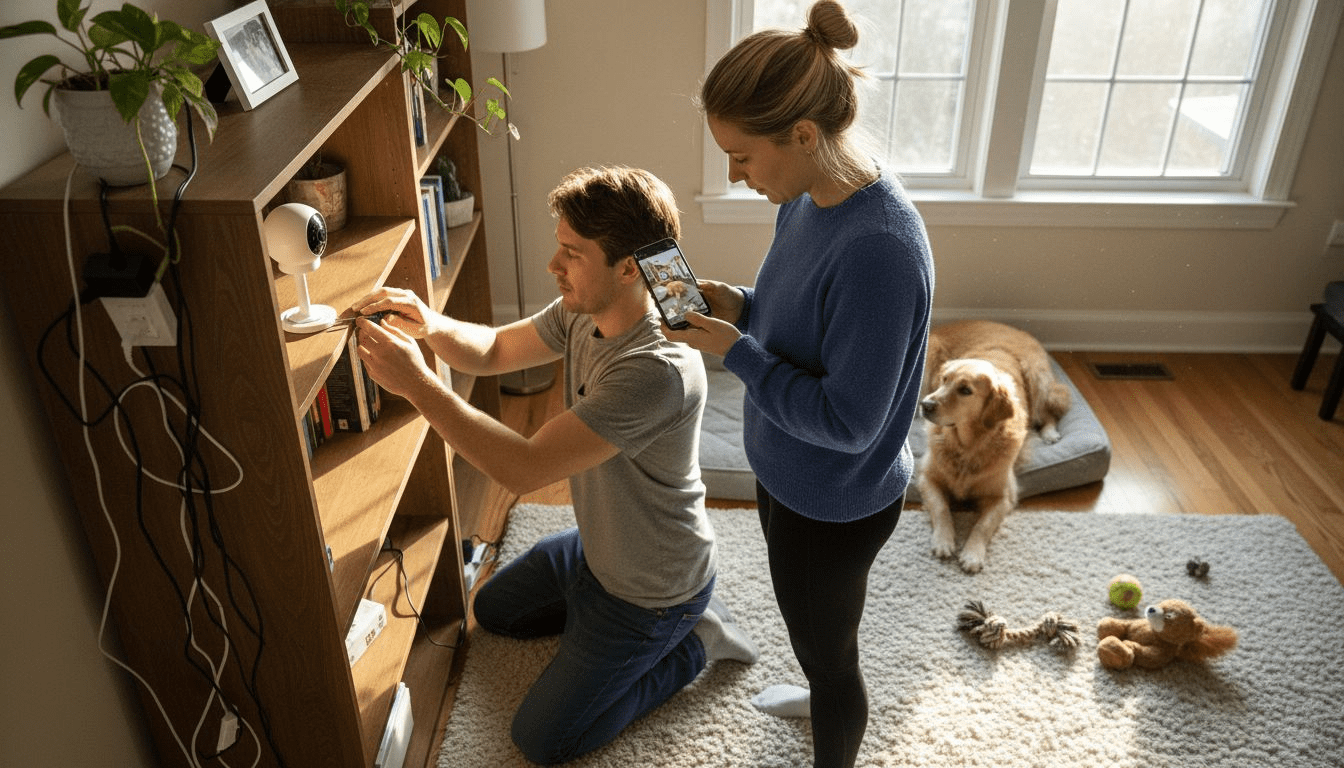
Leaving your dog home alone can trigger stress for both you and your pet, especially when separation anxiety sets in. For tech-savvy American pet owners, smart pet cameras offer a way to stay connected and keep an eye on your furry companion from anywhere. Choosing the right device means focusing on features like clear video, real-time alerts, and interactive audio. This guide highlights key pet camera capabilities and actionable tips to help you create a comforting remote presence for your dog.
Table of Contents
- Step 1: Choose the Optimal Pet Camera for Your Space
- Step 2: Install and Position the Camera for Best Coverage
- Step 3: Connect the Device to Wi-Fi and Mobile App
- Step 4: Configure Smart Alerts and Two-Way Communication
- Step 5: Test the System and Customize to Pet Behavior
Quick Summary
| Key Takeaway | Explanation |
|---|---|
| 1. Choose the Right Camera | Select a camera based on your home layout and pet’s habits for optimal use. |
| 2. Position for Maximum Coverage | Install cameras at elevated angles in key areas to avoid blind spots. |
| 3. Connect to Wi-Fi Properly | Follow instructions to ensure a stable connection for streaming and alerts. |
| 4. Customize Alerts & Communication | Adjust settings for meaningful notifications and use two-way audio for interaction. |
| 5. Test and Personalize Setup | Regularly check system functionality and tailor features to fit your pet’s behavior. |
Step 1: Choose the Optimal Pet Camera for Your Space
Selecting the right pet camera requires understanding your home environment and your pet’s specific monitoring needs. Comprehensive security camera research reveals that matching a camera to your unique space involves considering several critical factors. Specifically, you want a device that provides clear video, reliable motion detection, and features tailored to pet behavior.
When evaluating pet cameras, prioritize devices with wide-angle lenses that capture maximum room coverage and night vision capabilities. Veterinary guidelines recommend considering your pet’s temperament and activity levels to determine optimal camera placement. Indoor cameras work best in living rooms or areas where pets spend most of their time, while wireless models offer flexible positioning without complex installation requirements.
Key selection criteria should include two-way audio communication, real-time streaming, motion tracking, and smartphone compatibility. Look for cameras with smart alert systems that distinguish between pet movements and potential security threats. Resolution matters significantly: aim for at least 1080p HD video to ensure you can clearly see your pet’s activities and interactions.
Here’s a quick comparison of key pet camera features and their practical benefits for owners:
| Feature | How It Works | Main Benefit to Owners |
|---|---|---|
| Wide-angle lens | Captures broad view area | Maximizes room coverage |
| Night vision | Infrared for low light | Ensures visibility after dark |
| Two-way audio | Built-in mic and speaker | Enables remote interaction |
| Motion tracking | Auto-follows pet movement | Reduces blind spots |
| Smart alerts | Customizes notifications | Avoids unnecessary alarms |
| 1080p HD video | High-resolution streaming | Clear view of pet activities |
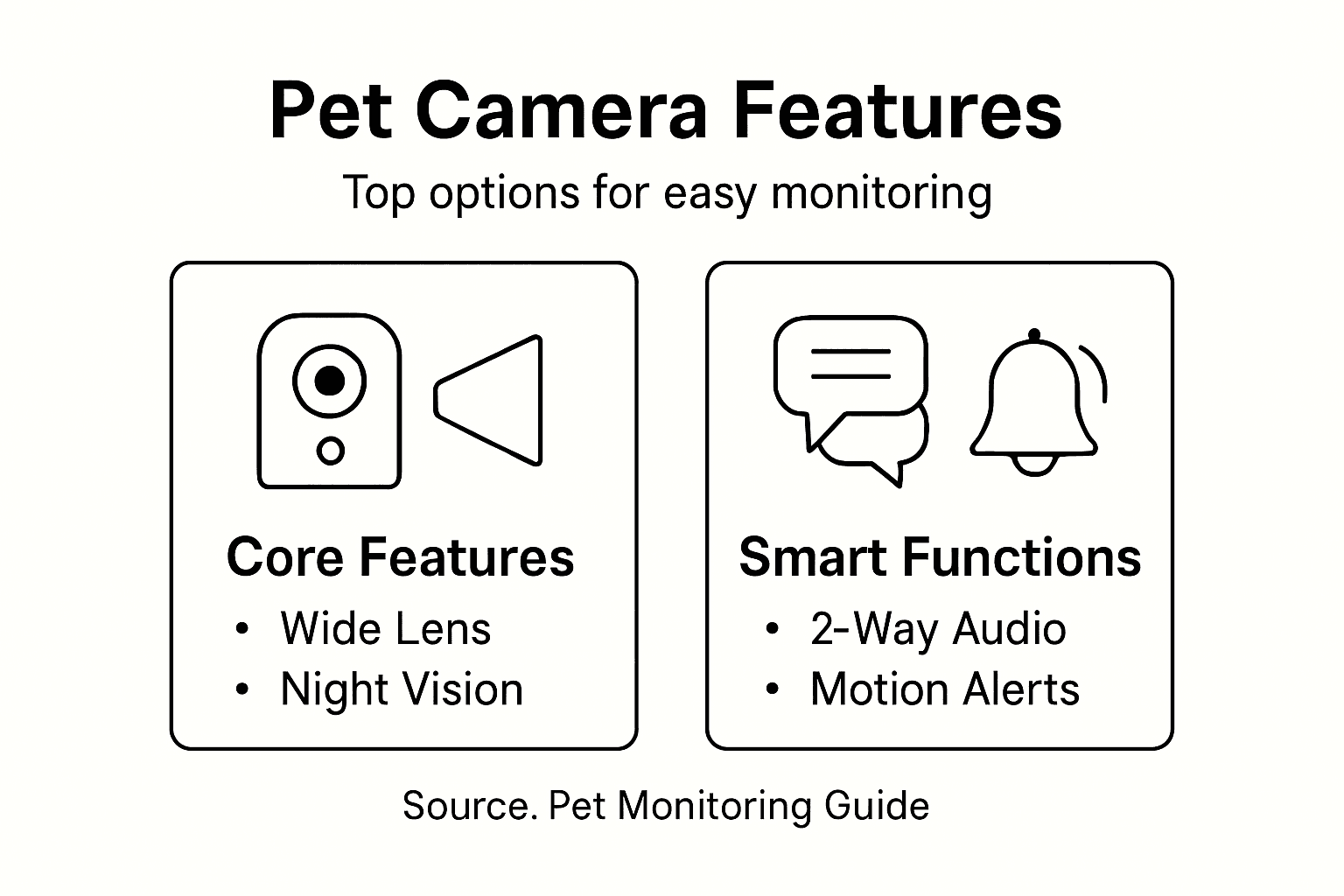
Pro tip: Test your camera’s field of view before permanent installation by temporarily mounting it and reviewing the video feed to confirm complete room coverage.
Step 2: Install and Position the Camera for Best Coverage
Installing a pet monitoring camera requires strategic placement to maximize your home surveillance capabilities. Indoor camera installation guides recommend positioning cameras at elevated angles that provide comprehensive room coverage while remaining unobtrusive.
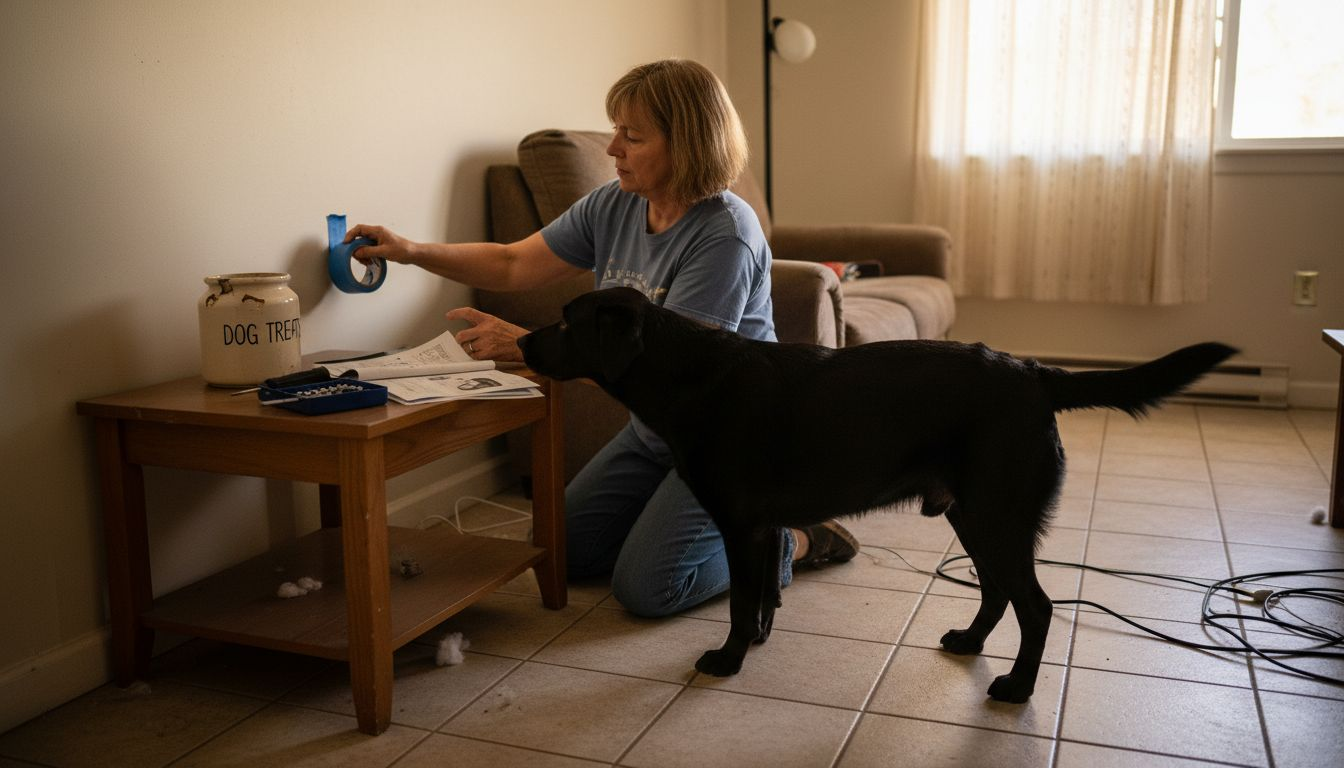
Start by identifying your pet’s primary activity zones, typically living rooms, bedrooms, or play areas. Home security experts suggest mounting cameras at least 7 to 10 feet high for optimal viewing angles, ensuring clear sight lines without potential obstructions like furniture or curtains. Wireless cameras offer more flexibility, allowing you to experiment with different mounting positions to find the most effective surveillance spot. Consider electrical outlets or power sources nearby, and ensure your chosen location provides stable wifi connectivity for consistent streaming.
When mounting your camera, use included mounting brackets or adhesive strips designed for secure attachment. Double-check that the camera lens provides a wide-angle view covering most of the room, with minimal blind spots. Angle the camera to capture key areas where your pet typically lounges, plays, or moves throughout the day. Most modern pet cameras offer adjustable mounting options, allowing you to fine-tune positioning for maximum monitoring effectiveness.
For efficient installation, consider these ideal camera locations and their monitoring advantages:
| Location | Advantages | When to Choose |
|---|---|---|
| Living room | Covers main activity zone | Pet spends most time here |
| Bedroom | Monitors sleep and rest areas | Pet naps or sleeps in bedroom |
| Playroom | Observes active play behavior | Dedicated pet play area exists |
| Entryway | Captures comings/goings | Pet moves between rooms often |
Pro tip: Use painter’s tape to temporarily mark potential camera locations and preview the view before permanent installation to guarantee optimal coverage.
Step 3: Connect the Device to Wi-Fi and Mobile App
Connecting your pet camera to your home network requires careful attention to ensure seamless monitoring. Camera network setup instructions provide a straightforward approach to integrating your new device with your existing wifi infrastructure.
Begin by downloading the manufacturer’s companion app on your smartphone from the App Store or Google Play. Power on the camera and activate its wifi hotspot mode, typically indicated by a blinking light or specific signal. Mobile device connectivity guides recommend ensuring both your smartphone and camera are connected to the same 2.4 GHz wifi network. Most pet cameras require you to scan a unique QR code or enter a device serial number within the app to establish initial connection. During setup, you will need to enter your home wifi network name and password carefully, paying close attention to uppercase and lowercase letters.
Once connected, the app should confirm successful integration and allow you to customize settings like motion detection sensitivity, notification preferences, and camera viewing angles. Some advanced cameras offer additional setup options such as defining specific activity zones or setting up scheduled monitoring times. Verify your connection by testing live video streaming and checking the camera’s signal strength within the app interface.
Pro tip: Keep your camera firmware updated and maintain a strong wifi signal by positioning your router centrally in your home.
Step 4: Configure Smart Alerts and Two-Way Communication
Configuring your pet camera’s smart alerts and communication features transforms your monitoring experience from passive observation to active interaction. Two-way communication systems enable real-time engagement with your pet, bridging the distance between you and your furry companion.
Access your camera’s companion app and navigate to the alerts and communication settings. Most modern pet cameras offer customizable motion detection zones where you can specify areas like your pet’s bed, food bowl, or favorite lounging spots. Adjust sensitivity levels to minimize false alarms while ensuring you receive meaningful notifications. The two-way audio feature allows you to listen and speak to your pet through the camera, which can be especially helpful for calming anxious animals or providing verbal reassurance. Alert configuration standards suggest creating specific notification profiles that match your monitoring needs.
Take time to experiment with different alert settings, such as defining quiet hours or creating custom notification schedules. Some advanced cameras offer AI-powered alerts that can distinguish between general movement and your pet’s specific activity patterns. Test the two-way audio feature by speaking through the app and observing your pet’s reaction to ensure clear sound quality and proper speaker volume.
Pro tip: Test your camera’s communication settings during a calm moment to help your pet become comfortable with the sound of your voice through the device.
Step 5: Test the System and Customize to Pet Behavior
Finalizing your pet monitoring setup requires thorough testing and personalization to match your specific pet’s unique behavior patterns. Pet care technology guidelines emphasize the importance of continuously adapting monitoring systems to individual pet needs.
Start by conducting comprehensive system tests during different times of day. Observe how the camera tracks your pet’s movement, checking motion detection accuracy and alert responsiveness. Most advanced cameras offer customizable sensitivity settings that allow you to fine-tune notifications based on your pet’s typical activity levels. Pet safety monitoring resources recommend creating multiple alert profiles tailored to your pet’s routine pets sleep, play, or move throughout different home areas.
Experiment with two-way audio features by speaking to your pet from remote locations and watching their reaction. Adjust volume and sound quality to ensure your pet responds positively and feels comfortable with the technology. Pay attention to how your pet interacts with the camera system learning their comfort levels and making incremental adjustments to minimize stress. Some pets might need gradual introduction to camera presence and audio interactions.
Pro tip: Introduce your pet to the camera during calm moments and reward them with treats to create positive associations with the new monitoring system.
Elevate Your Pet Monitoring Experience with Expert Guidance and Smart Solutions
Setting up an effective home pet camera system is all about overcoming challenges like choosing the right device, ensuring crisp 1080p HD video, optimizing camera placement for full room coverage, and configuring smart alerts that truly fit your pet’s unique behavior. If you want to reduce separation anxiety, stay connected through two-way communication, and keep your furry friend safe with reliable night vision and motion tracking, the key is informed decisions paired with the best tools.
Discover detailed insights and side-by-side comparisons of leading pet cameras by visiting our Pet Cameras section. For step-by-step instructions and expert tips on selecting and installing your devices, explore our Guides & Comparisons. Start mastering pet tech today and transform how you care for your companion from anywhere by heading over to modernpettech.com now. Your pet’s comfort and your peace of mind deserve the best support available.
Frequently Asked Questions
How do I choose the right pet camera for my home?
Selecting the right pet camera involves understanding your home’s layout and your pet’s behavior. Consider features like wide-angle lenses, night vision, and two-way audio to ensure you can effectively monitor your pet’s activities from various angles.
What is the best way to install and position my pet camera for optimal coverage?
To achieve the best coverage, mount your pet camera at an elevated height of 7 to 10 feet, aiming it at areas where your pet spends the most time. Take the time to experiment with different locations and angles to minimize blind spots before securing the camera permanently.
How do I connect my pet camera to Wi-Fi and my mobile app?
Begin by downloading the camera’s companion app and setting up the camera in hotspot mode. Then connect your smartphone and the camera to the same 2.4 GHz Wi-Fi network, following the app’s prompts to scan a QR code or enter the device’s serial number.
What features should I configure for smart alerts and communication?
Customize your camera’s motion detection zones and alert settings within the app for efficient monitoring. Test the two-way audio feature to ensure clear communication with your pet, allowing you to engage with them when needed.
How can I test and customize my pet monitoring system?
Conduct thorough tests at different times of day to observe your camera’s responsiveness to your pet’s movements. Adjust sensitivity settings and audio levels based on your pet’s comfort and routines to ensure the system meets your needs effectively.
What should I do if my pet seems anxious around the camera?
Introduce your pet to the camera gradually during calm moments and offer them treats to create positive associations. Monitor their reactions and adjust the camera’s placement or audio features as necessary to minimize any stress.
Recommended
- Pet Camera Setup Explained: Boosting Safety and Connection
- Pet Camera Setup Basics: Enhancing Remote Pet Care
- Pet Security Camera Installation Guide for Safe Monitoring
- How to Choose Pet Camera for Safer Remote Monitoring
- Terrarium einrichten Anleitung: Schritt für Schritt zum perfekten Habi

2 thoughts on “Pet Monitoring Setup Guide: Effortless Home Camera System”