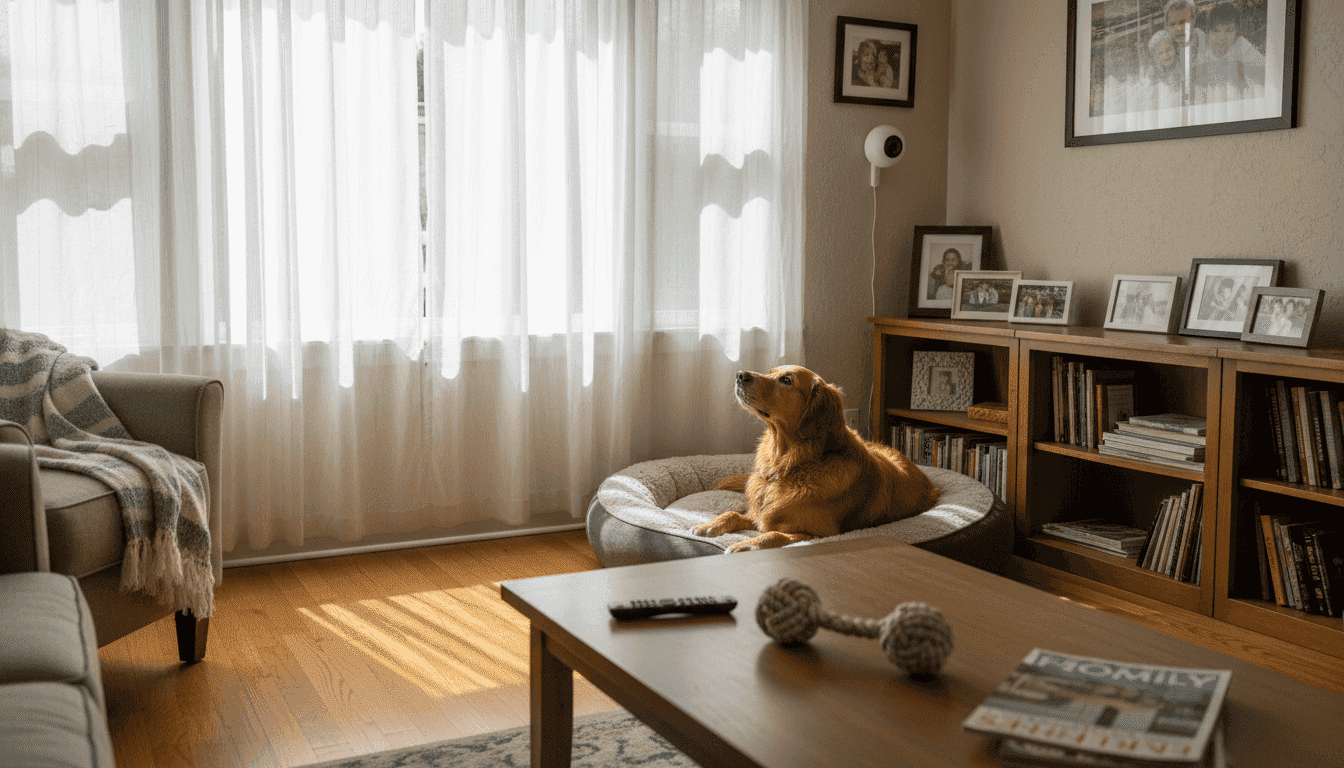
Every American pet parent knows peace of mind can be hard to find when leaving a beloved companion alone at home. As daily routines get busier, concerns about hidden dangers and moments of anxiety for pets become top priorities. With smart monitoring devices offering features like live video, real-time alerts, and two-way audio, you can take charge of pet safety and comfort. Discover how a thoughtful setup helps create a safer, happier home for both you and your pet.
Table of Contents
- Step 1: Assess Your Home’s Pet Safety Risks
- Step 2: Choose and Install Smart Monitoring Devices
- Step 3: Configure Alerts and Interactive Features
- Step 4: Test and Verify Security Effectiveness
Quick Summary
| Key Takeaway | Explanation |
|---|---|
| 1. Assess home pet safety risks | Evaluate your home from your pet’s perspective to identify potential hazards and risks. |
| 2. Choose suitable monitoring devices | Select smart cameras based on video quality, features, and appropriate placement for safety. |
| 3. Configure alerts wisely | Set up tailored motion and sound alerts to keep track of your pet’s behavior and safety. |
| 4. Regularly test system effectiveness | Conduct monthly testing of cameras and alerts to ensure they function properly as situations change. |
Step 1: Assess your home’s pet safety risks
Before investing in smart cameras, you need to understand what dangers your pet actually faces at home. This assessment forms the foundation for choosing the right security setup and identifying blind spots that need monitoring.
Start by walking through your home from your pet’s perspective. Get down to their eye level and notice what they can access, knock over, or chew on. Look for obvious hazards like exposed electrical cords, toxic plants, or cleaning supplies stored within reach. Check each room systematically to spot risks you might normally overlook.
Common household dangers that affect pets include:
- Toxic substances like medications, chocolate, xylitol-containing foods, and household chemicals
- Choking hazards such as small objects, strings, or plastic bags
- Temperature extremes in certain areas of your home
- Escape routes or gaps where your pet could squeeze through
- Furniture or objects that could fall and cause injury
- Access to outdoor hazards through windows or doors
Consider your pet’s specific behaviors and vulnerabilities. Does your dog have a history of eating non-food items? Does your cat jump on high shelves? Understanding common household pet hazards helps you identify which areas need the most surveillance.
Document trouble spots where your pet tends to get into mischief. These are priority locations for camera placement. If your dog gravitates toward the kitchen trash, that’s a monitoring hotspot. If your cat loves the bedroom dresser, that area matters.
Map out your home’s layout and mark high-risk zones where your pet spends the most unsupervised time—these become your primary camera locations.
Think about daily routines and when your pet is most vulnerable. Do they stay home alone during work hours? Are mornings or evenings when accidents typically happen? Understanding timing helps you prioritize which rooms need constant monitoring.
You should also assess emergency preparedness and pet safety planning to identify risks that extend beyond everyday hazards. This broader perspective ensures your security setup protects against multiple threat levels.
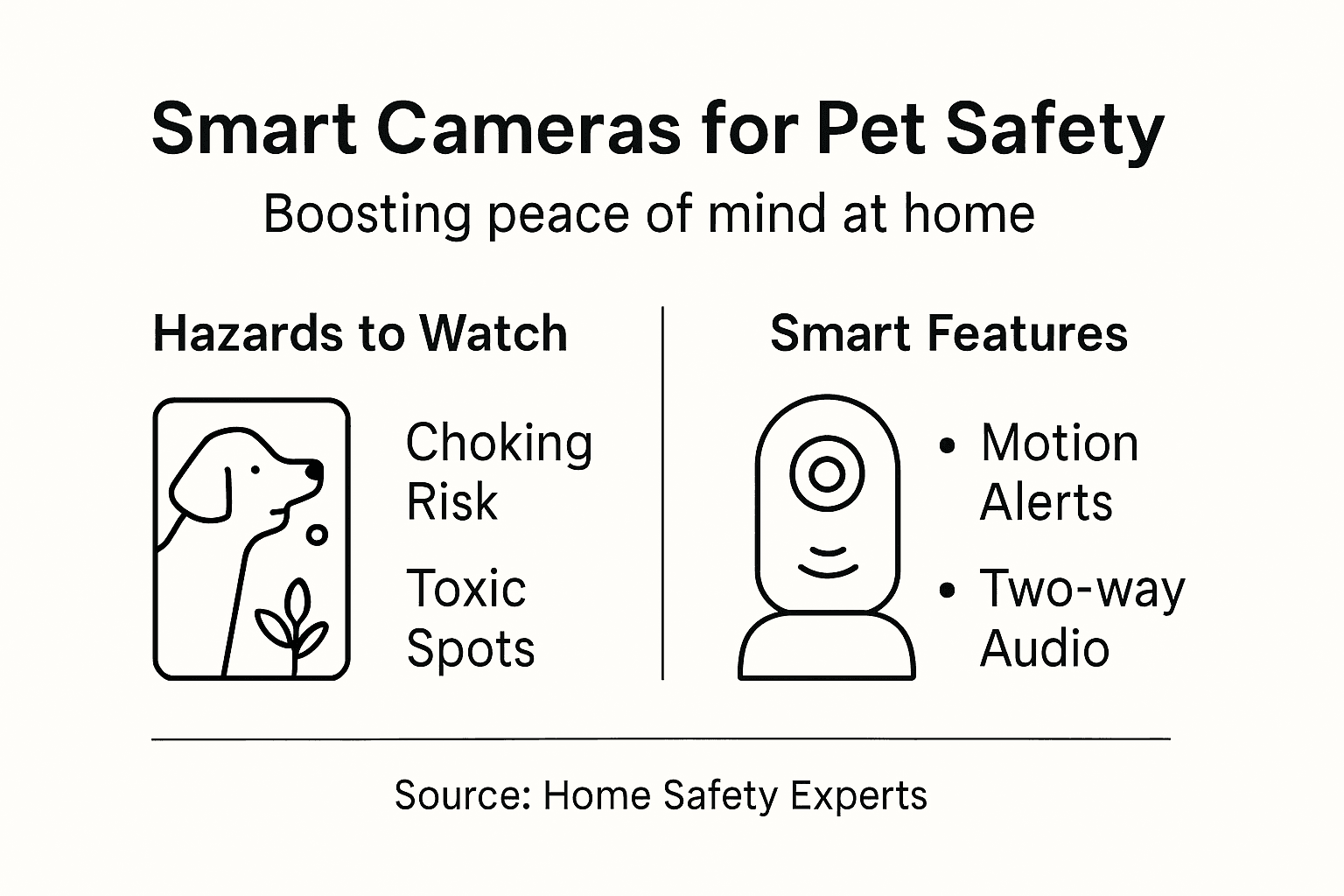
Here’s a summary of major household pet hazards and how monitoring with smart cameras can help address each risk:
| Hazard Type | Associated Risks | Benefit of Smart Camera Monitoring |
|---|---|---|
| Toxic Substances | Accidental ingestion, poisoning | Detects pet access to hazardous areas |
| Choking Hazards | Suffocation, blockage | Notifies if pet approaches small objects |
| Temperature Extremes | Overheating, hypothermia | Alerts for unsafe temperature changes |
| Escape Routes | Getting lost, injury outside | Monitors entrances and exits in real time |
| Unstable Furniture | Injury from falls | Detects attempts to climb or topple items |
| Outdoor Hazards | Encounters with other animals | Tracks pet movement near doors/windows |
Pro tip: Create a simple floor plan sketch marking hazardous areas, locked cabinets, pet entrances, and spots where your pet spends the most time—this visual guide makes camera placement decisions much faster and ensures you don’t miss critical blind spots.
Step 2: Choose and install smart monitoring devices
Now that you’ve identified your home’s pet safety risks, it’s time to select and position cameras that give you complete visibility. The right device setup transforms your ability to monitor your pet and respond to emergencies quickly.
Start by choosing cameras based on your specific needs. Consider video quality, night vision capabilities, and motion detection features that reduce false alerts caused by pet movement. Look for models with pet-friendly detection technology that distinguish between your pet’s normal activity and actual threats.
Key features to evaluate include:
- Two-way audio so you can talk to your pet remotely
- Cloud or local storage for video recordings
- Mobile app access for real-time viewing from anywhere
- Wide field of view to cover larger spaces
- Weather resistance if monitoring outdoor areas
- Integration with smart home systems you already use
Camera placement matters as much as the device itself. Position cameras to cover the high-risk zones you identified earlier. Living rooms, kitchens, and bedrooms are common priority areas where pets spend unsupervised time.
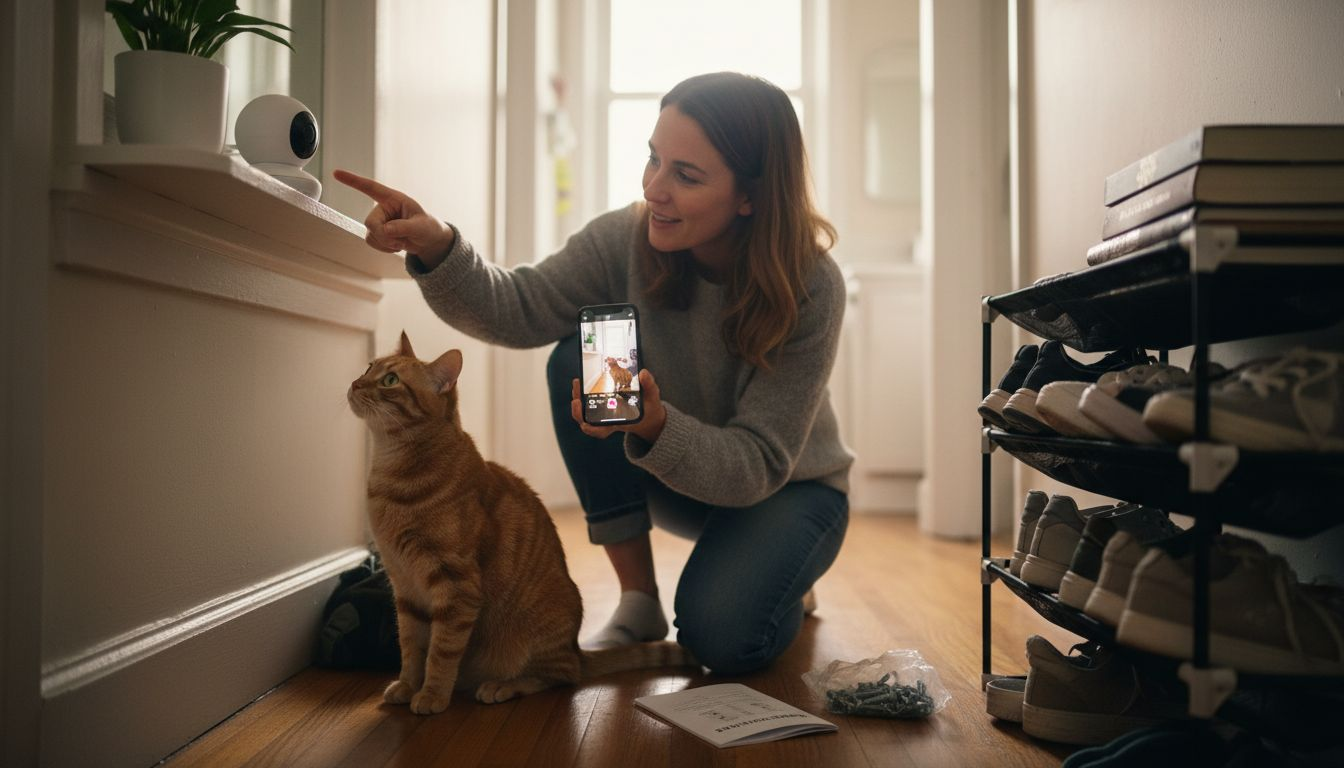
Think about mounting height and angle. Cameras mounted at pet eye level capture more detailed behavior. Consider installation locations that provide comprehensive coverage of spaces where your pet roams most frequently.
Wi-Fi connectivity is essential for real-time monitoring. Check your home’s Wi-Fi signal strength in each camera location before purchasing. Some cameras offer cellular backup for connectivity reliability, which proves valuable if your internet goes down.
Install at least one camera in your pet’s favorite room and one in an area where accidents commonly happen—these two positions provide the most actionable monitoring for pet safety.
Once you’ve selected devices, installation is straightforward. Mount cameras securely out of your pet’s reach. Test the view from the mobile app to confirm you’re capturing the angles you need. Adjust positioning if blind spots remain.
Ensure all cameras are password protected and set up secure Wi-Fi connections. This protects your privacy and prevents unauthorized access to your home footage.
Pro tip: Start with one camera in your pet’s most problematic room, test it for a week, then expand coverage based on what you learn—this approach prevents overspending on unnecessary devices while building a system that actually matches your pet’s behavior patterns.
The following table compares camera features and their impact on everyday pet monitoring:
| Feature | Main Benefit | Ideal Use Case |
|---|---|---|
| Two-way Audio | Real-time communication | Calming anxious pets remotely |
| Motion Detection | Immediate behavior alerts | Notifying entry into unsafe areas |
| Night Vision | 24/7 coverage | Monitoring pets overnight |
| Activity Zones | Reduces false notifications | Focus on high-risk zones only |
| Cloud Storage | Video recordkeeping | Reviewing incidents while away |
| Smart Home Integration | Streamlined control | Managing devices with voice commands |
Step 3: Configure alerts and interactive features
With your cameras installed, the next step is customizing alerts and interactive capabilities to match your pet’s behavior. Smart configuration transforms passive monitoring into active pet management that catches problems before they escalate.
Start by setting up motion detection alerts in your camera app. Most pet cameras allow you to customize sensitivity levels so you’re notified about unusual activity without constant false alarms from normal pet movement. Set different alert thresholds for different times of day if your pet’s activity patterns vary.
Configure these alert types based on your priorities:
- Motion alerts when your pet enters specific rooms or zones
- Sound detection if your pet barks or cries excessively
- Temperature alerts if your home gets too hot or cold
- Access alerts if doors or windows open unexpectedly
- Scheduled alerts only during work hours or when you’re away
Activity zones are incredibly powerful for reducing noise. Instead of monitoring your entire room, create custom zones focused on pet areas where actual problems occur. This keeps you informed without overwhelming you with notifications.
Next, activate two-way audio features to communicate with your pet remotely. This calms anxious dogs, redirects cats from forbidden furniture, and lets you respond immediately if something goes wrong. Test the audio clarity before relying on it for emergencies.
Explore interactive capabilities beyond basic monitoring. Many systems offer voice commands and automated responses that enhance your ability to engage with your pet throughout the day. Some cameras integrate with treat dispensers, letting you reward good behavior remotely.
Set alert notifications to go to your phone, not email—speed matters when your pet needs help, and push notifications ensure you see alerts immediately.
Customize notification settings to avoid alert fatigue. You want to know about real problems, not every time your pet moves. Start conservative with alerts, then adjust based on what you actually need to know.
Test your alert system by triggering motion in monitored zones while you’re away. Confirm notifications arrive promptly and that you can access live video instantly. Adjust sensitivity if you’re getting too many false positives.
Pro tip: Enable two-way audio alerts specifically for unusual sounds like continuous barking or distressed meowing, then set motion zones for normal pet activity—this combination catches actual emergencies while keeping your alert count manageable throughout the day.
Step 4: Test and verify security effectiveness
Your system is configured, but now you need to verify it actually works when your pet needs protection. Testing reveals gaps in coverage, connectivity issues, and alert problems before they become real emergencies.
Start by conducting a live monitoring session while you’re home. Open your camera app and watch your pet move through monitored areas. Check that video quality is clear, angles capture the right spaces, and lag time is minimal. If you see blind spots, adjust camera positions before relying on the system.
Test your alert system with these verification steps:
- Walk through motion detection zones and confirm alerts arrive on your phone immediately
- Speak through two-way audio to ensure your pet hears you clearly
- Check app responsiveness by accessing live video from different rooms
- Review recorded footage to verify video quality meets your expectations
- Test connectivity by temporarily moving away from home and accessing cameras remotely
Simulate realistic scenarios involving your pet’s typical behavior. If your dog loves the kitchen, move around that space and watch if motion alerts trigger appropriately. Test your smart home system’s ability to distinguish pet movement from actual threats so you’re not overwhelmed with false positives.
Review your alert history weekly to spot patterns. Are you getting alerts at times when your pet shouldn’t be in certain areas? Are false alarms happening during normal activity? These insights help you refine settings for better accuracy.
Check connectivity and battery status regularly. Troubleshoot any connectivity issues or false alerts that emerge during regular use. Make sure cloud storage is working if you want to review past footage.
Document any issues you find during testing and fix them immediately—a system that doesn’t work perfectly won’t catch real emergencies.
Perform full system tests at least monthly. As your pet ages or behavior changes, revisit camera angles and alert settings. What worked perfectly six months ago might need adjustment.
Testing also reveals whether your home’s Wi-Fi coverage adequately supports all your cameras. If connectivity drops during testing, consider a mesh Wi-Fi system before it becomes a problem.
Pro tip: Set a monthly reminder to review the past week’s alert history and test all two-way audio and motion detection features—this 15-minute maintenance routine catches problems early and ensures your system works perfectly when your pet needs it most.
Enhance Your Pet’s Safety with the Right Smart Camera Solutions
As the article highlights, ensuring home safety for your pet means recognizing hazards and monitoring their behavior closely. If you are concerned about spotting toxic access, escape routes, or sudden motion alerts, you need a smart pet camera system that fits your unique home environment. Understanding features like two-way audio, motion sensitivity, and night vision is critical to getting reliable alerts without the frustration of false notifications.

Explore our detailed Pet Cameras to find models tailored to your pet’s needs and home risks. Our Guides & Comparisons break down essential features so you can make an informed choice and start protecting your furry family member immediately. Visit ModernPetTech.com now to access trusted reviews and educational resources designed to help you upgrade your home security with confidence.
Frequently Asked Questions
How can smart cameras improve home security for pets?
Smart cameras help monitor potential hazards and unsafe areas in your home, allowing you to address issues proactively. By keeping an eye on high-risk zones, you can prevent your pet from accessing toxic substances or unstable furniture.
What features should I look for when choosing a smart camera for pet monitoring?
Look for features such as two-way audio, motion detection, night vision, and mobile app access. These specifications ensure you can communicate with your pet, receive alerts about their activity, and monitor them effectively, both day and night.
How do I set up alerts for my smart cameras?
You can customize alert settings based on specific behaviors or areas of concern, such as movement in certain zones or excessive barking. Set alerts to notify you on your mobile device when your pet enters a designated area, which helps you react quickly if they get into trouble.
What are some common hazards to monitor for when using smart cameras for pets?
Common hazards include toxic substances, choking hazards, and temperature extremes. Identify areas in your home where your pet spends unsupervised time, and focus your camera placement and monitoring on these high-risk zones.
How can I ensure my smart camera system works effectively over time?
Regularly test your camera system by checking video clarity, alert functionality, and coverage areas. Perform these tests at least monthly to catch any connectivity issues and adjust settings as needed to ensure comprehensive monitoring of your pet’s safety.
Recommended
- Home Security With Pet Cameras Guide for Smart Owners
- Role of Cameras in Home Security for Pet Owners
- Pet Camera vs Home Security Camera: Which Creates a Safer, Happier Home?
- Secure Pet Camera Workflow for Safer Home Monitoring
- Slik oppbevarer du hundefôr trygt og ferskt hjemme — Dr-Clauder Norge

1 thought on “Improve Home Security for Pets with Smart Cameras”