
Leaving your dog home alone can spark worry, especially when unexpected situations arise. Modern technology now puts safety and reassurance in your hands, letting you monitor your pet’s activities and well-being with smart monitoring devices. From GPS tracking to real-time video and audio interaction, these systems help American pet owners reduce anxiety, stay connected, and respond promptly. Discover practical steps and essential features to make your home more secure for your companion.
Table of Contents
- Step 1: Choose the Right Pet Monitoring Device
- Step 2: Install and Connect Your Camera
- Step 3: Configure Essential Monitoring Features
- Step 4: Test Alerts and Real-Time Interaction
- Step 5: Verify Security and Adjust Settings
Quick Summary
| Key Point | Explanation |
|---|---|
| 1. Choose the right device carefully | Consider video quality, communication features, and battery life fitting your pet’s needs. |
| 2. Ensure secure installation | Place the camera in a strong signal area and follow security guidelines to protect your system. |
| 3. Customize monitoring features | Adjust settings for motion detection, audio alerts, and temperature monitoring to enhance pet safety. |
| 4. Test system alerts thoroughly | Validate the performance of notifications and two-way communication to ensure reliability. |
| 5. Maintain ongoing security checks | Regularly update passwords and software to protect your device from potential threats. |
Step 1: Choose the Right Pet Monitoring Device
Selecting the ideal pet monitoring device requires understanding your specific needs and your pet’s unique behaviors. Modern technology offers multiple options, from innovative tracking systems to traditional safety methods.
When evaluating pet monitoring solutions, consider these key factors:
- Video Quality: Clear resolution for detailed observation
- Communication Features: Two-way audio interaction
- Range of Monitoring: Indoor vs outdoor capabilities
- Battery Life: Extended monitoring without frequent recharging
- Smart Alerts: Motion detection and real-time notifications
Different devices serve different purposes. Some focus purely on location tracking, while others provide comprehensive health and behavioral monitoring. IoT pet tracking technologies now integrate GPS, wireless communications, and sensor networks to give pet owners unprecedented insight into their companion’s activities.
Choosing the right monitoring device means balancing technological features with your pet’s specific needs and your personal comfort level.
Additionally, consider compatibility with your smartphone and home network. Many modern devices seamlessly integrate with mobile apps, allowing instant access to your pet’s status from anywhere.
Here’s a comparison of popular pet monitoring device types and their ideal use scenarios:
| Device Type | Best For | Key Benefit |
|---|---|---|
| GPS Tracker | Outdoor roaming pets | Real-time location updates |
| Indoor Camera | Home-alone pets | Visual activity feedback |
| Health Monitor | Pets with medical needs | Tracks health metrics |
| Smart Collar | Active, energetic animals | Behavior and fitness logs |
Pro tip: Before purchasing, read multiple user reviews and test the device’s compatibility with your specific home environment and pet’s temperament.
Step 2: Install and Connect Your Camera
Installing your pet monitoring camera is a crucial step in creating a comprehensive pet safety system. Configuring IP camera software requires careful attention to detail and strategic placement.
Follow these essential installation steps:
- Select an optimal viewing location with clear pet activity visibility
- Ensure strong WiFi signal and stable power source
- Mount camera securely at recommended height
- Connect to home network through device’s mobile app
- Test camera angle and motion detection settings
When setting up your camera, prioritize network security. Secure camera installation involves creating strong passwords, enabling encryption, and regularly updating firmware to prevent unauthorized access.
Proper camera placement is more than technical setup – it’s about creating a comprehensive monitoring environment that keeps your pet safe.
Most modern pet cameras offer smartphone integration, allowing you to customize alert settings, adjust camera positioning remotely, and receive real-time notifications about your pet’s activities.
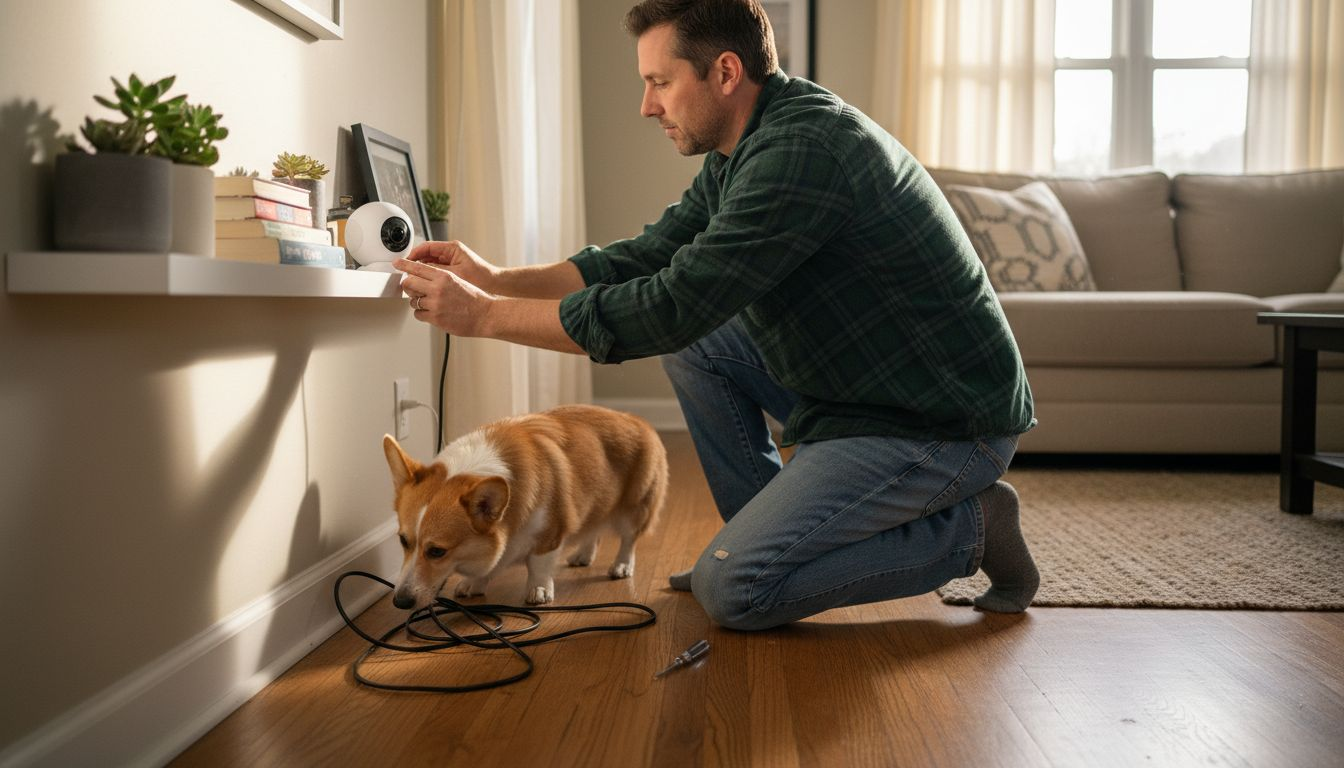
Pro tip: Always test your camera’s connectivity and viewing angles before finalizing its permanent installation to ensure maximum coverage of your pet’s primary living spaces.
Step 3: Configure Essential Monitoring Features
Configuring your pet monitoring system requires strategic planning and precise customization. Essential monitoring features play a critical role in ensuring comprehensive pet safety and owner peace of mind.
Key configuration settings include:
- Motion Detection: Adjust sensitivity to match pet’s activity level
- Audio Alerts: Set volume and notification preferences
- Temperature Monitoring: Establish safe zone thresholds
- Two-Way Communication: Configure audio interaction settings
- Recording Preferences: Define video storage and clip length
Precise configuration involves understanding your specific monitoring goals. Monitoring device sensitivity requires careful calibration to capture meaningful pet behaviors while minimizing unnecessary alerts.
Effective monitoring is about creating a personalized safety net that responds intelligently to your pet’s unique patterns and needs.
Modern pet monitoring systems offer AI-powered customization, allowing you to create intelligent alert systems that learn and adapt to your pet’s specific behaviors and environment.
Pro tip: Start with conservative alert settings and gradually fine-tune them based on actual monitoring results to prevent alert fatigue and ensure genuine event detection.
Step 4: Test Alerts and Real-Time Interaction
Validating your pet monitoring system’s alert and interaction capabilities is crucial for ensuring reliable pet safety. Real-time monitoring protocols require systematic testing to guarantee accurate and timely notifications.
Critical testing steps include:
- Notification Verification: Check smartphone alert delivery
- Audio Clarity: Test two-way communication quality
- Response Time: Measure alert-to-interaction speed
- Signal Reliability: Confirm consistent network connectivity
- Interaction Range: Evaluate communication distance
IoT monitoring systems integrate advanced machine learning algorithms that enhance anomaly detection and provide immediate, intelligent notifications. This technology transforms pet monitoring from passive observation to active, responsive protection.
Effective real-time interaction means creating a seamless communication bridge between you and your pet, regardless of physical distance.
Most modern systems allow you to customize alert sensitivity, ensuring you receive meaningful notifications without overwhelming interruptions. Practice different scenarios to understand how your system responds to various pet behaviors and environmental changes.
Pro tip: Conduct multiple test runs at different times of day and in various home locations to validate your monitoring system’s comprehensive performance and reliability.
Step 5: Verify Security and Adjust Settings
Ensuring the security of your pet monitoring system is crucial for protecting both your device and your personal information. Device security regulations provide essential guidelines for maintaining safe and reliable monitoring.
Key security verification steps include:
- Password Protection: Create strong, unique passwords
- Software Updates: Enable automatic firmware updates
- Network Security: Use encrypted WiFi connections
- Privacy Settings: Review and restrict data sharing permissions
- Access Controls: Limit device login attempts
Quality assurance protocols recommend routine checks to maintain system integrity and prevent potential security breaches. This involves regularly reviewing and adjusting device configurations to ensure optimal performance and protection.
Security is not a one-time setup but an ongoing process of vigilance and proactive management.
Most modern pet monitoring devices offer advanced security features like two-factor authentication, encrypted data transmission, and detailed activity logs. Take time to understand and customize these settings to match your specific security needs.
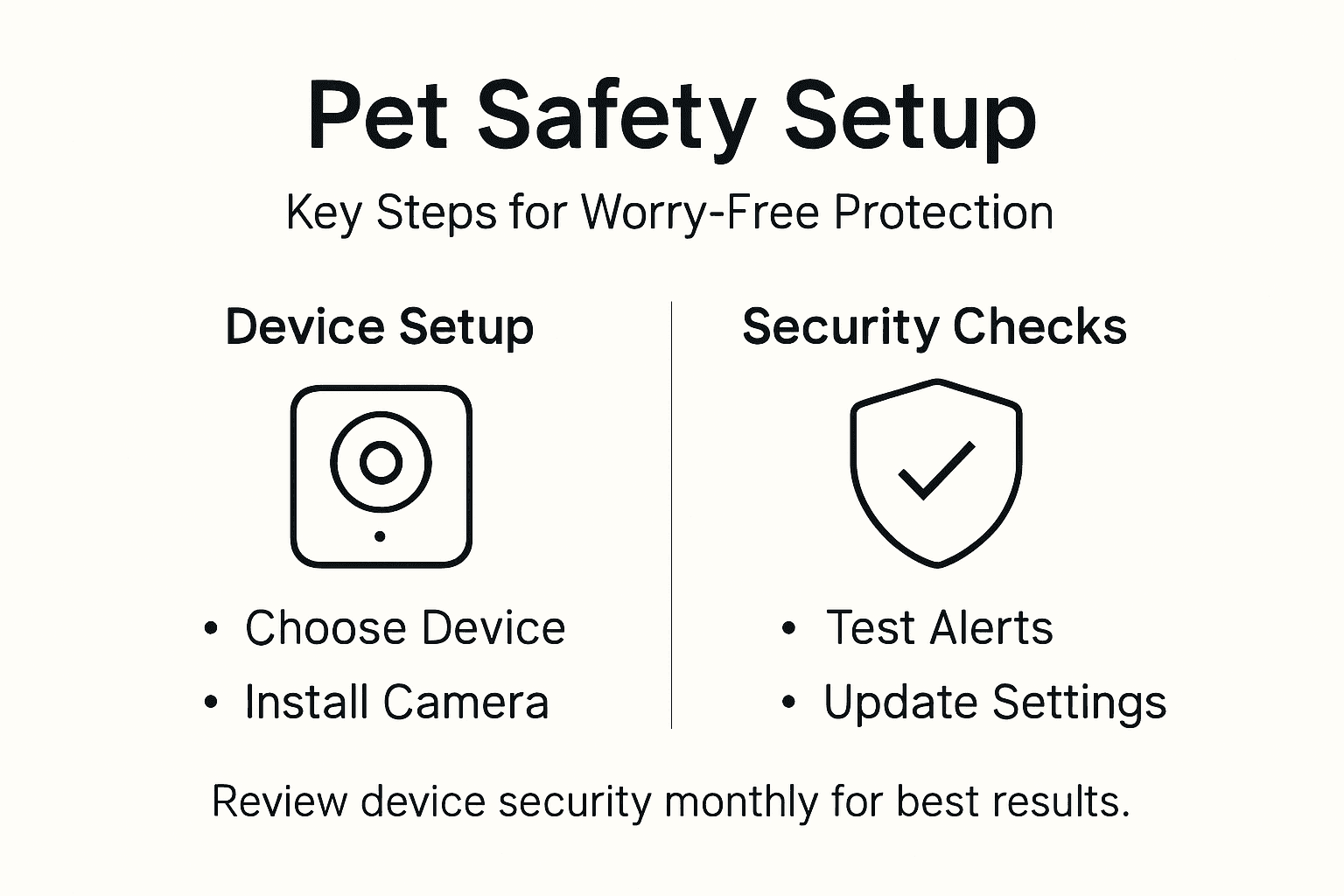
Below is a summary of essential security features and their importance for pet monitoring systems:
| Security Feature | Why It Matters | How It Protects You |
|---|---|---|
| Strong Passwords | Prevents unauthorized access | Guards device login |
| Firmware Updates | Fixes vulnerabilities | Prevents hacking attempts |
| Encrypted Connection | Secures data transmission | Blocks network eavesdropping |
| Two-Factor Authentication | Adds extra login verification | Reduces hacking risk |
Pro tip: Create a monthly calendar reminder to review and update your device’s security settings, ensuring continuous protection against potential vulnerabilities.
Elevate Your Pet Safety with Trusted Tech Solutions
Worrying about your pet’s safety when you are apart is a real challenge for every pet owner. This tutorial highlights key concerns like selecting the right monitoring device, configuring real-time alerts, and securing your system from unauthorized access. If you want peace of mind through clear video quality, two-way communication, and smart alerts designed for your pet’s unique needs explore our comprehensive reviews of Pet Cameras tailored to various home environments and pet behaviors.
Discover how to reduce separation anxiety and enhance remote interaction by choosing technology that fits your lifestyle. Visit ModernPetTech.com today to compare top devices and learn how health tracking can add another layer of protection through our Health & Wellness Tech resources. For pets on the go, explore reliable location solutions in our GPS & Tracking category. Act now to create a safer, more connected experience for you and your furry companion.
Frequently Asked Questions
How do I choose the right pet monitoring device for my needs?
To select the best pet monitoring device, consider factors like video quality, communication features, and battery life. Assess your pet’s behaviors and your specific needs to find a device that balances technology and practicality.
What steps should I follow to install my pet monitoring camera?
Start by selecting an optimal viewing location with a clear line of sight for your pet’s activities. Ensure a strong WiFi signal and power source, then securely mount the camera before connecting it to your home network through the device’s app.
How can I configure essential monitoring features for my pet?
Configure features such as motion detection sensitivity and audio alerts to ensure your monitoring system meets your pet’s specific needs. Adjust settings based on your pet’s activities to create a tailored safety experience.
What should I test to ensure real-time interaction works effectively?
Verify alert notifications, communication quality, and response time to confirm that your pet monitoring system operates reliably. Conduct tests at different times and locations to ensure consistent performance under various conditions.
How do I confirm the security of my pet monitoring system?
Create strong passwords and enable automatic firmware updates to protect your monitoring system from unauthorized access. Regularly review and adjust security settings to maintain a robust security posture against potential threats.
Recommended
- Home Security With Pet Cameras Guide for Smart Owners
- How to Set Up Pet Camera for Easy Home Monitoring
- Home Security With Pet Tech: Reducing Anxiety and Risks
- Pet Monitoring Workflow for Effective Remote Interaction

1 thought on “Pet Safety Monitoring Tutorial for Worry-Free Protection”