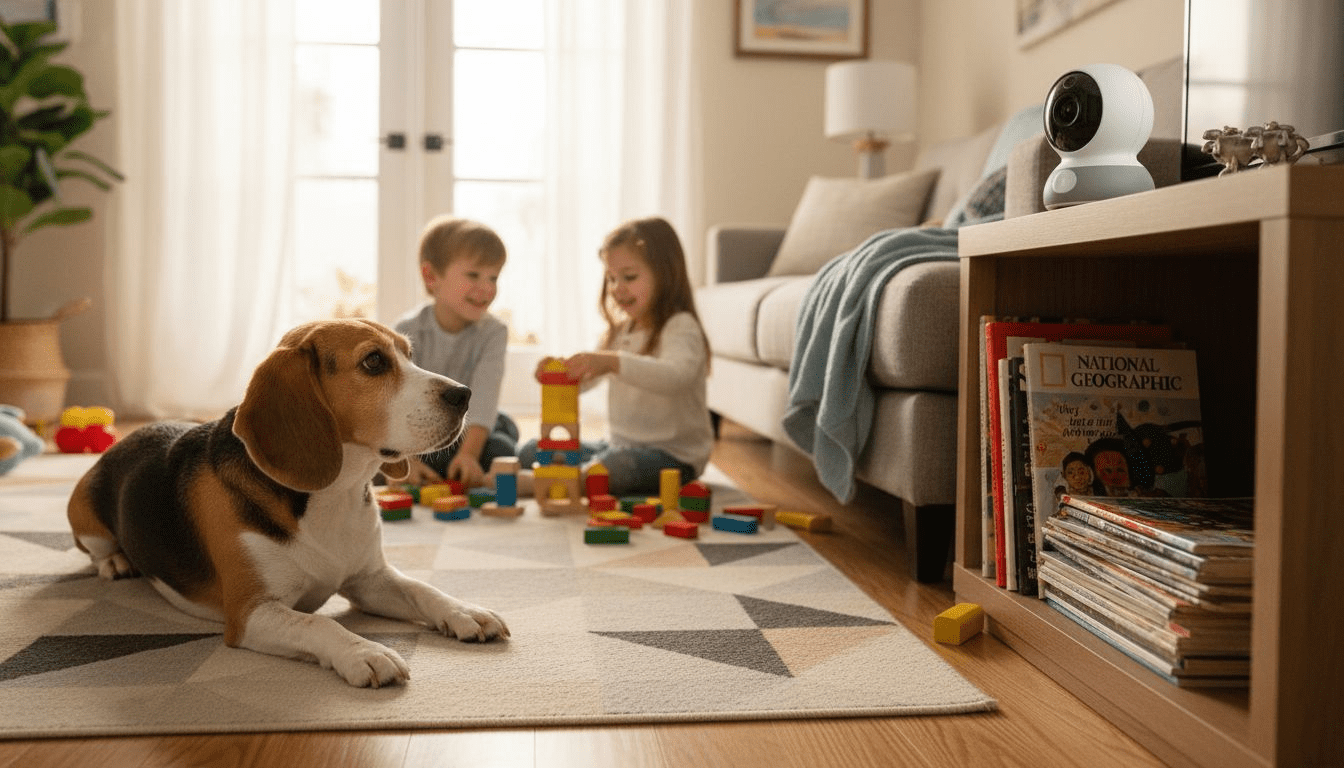
Many pet parents assume all pet cameras deliver the same video quality, but the reality is more nuanced. The codec, resolution, and advanced features like night vision dramatically affect how clearly you see and interact with your pet. Understanding these technical elements helps you choose a camera that truly enhances pet engagement and security. This guide breaks down the core video quality concepts, compares top devices, and shows you how to apply this knowledge to find the perfect monitoring solution for your home.
Table of Contents
- Understanding Pet Camera Video Quality Basics
- Advanced Video Features Enhancing Pet Monitoring
- Comparing Top Pet Cameras By Video Quality And Features
- Practical Tips For Optimizing Your Pet Camera’s Video Quality
- Explore Smart Pet Monitoring Devices At ModernPetTech
- Frequently Asked Questions
Key takeaways
| Point | Details |
|---|---|
| Video codec efficiency | H.265 offers up to 50% better compression than H.264, saving bandwidth while maintaining sharp image quality for live streaming |
| Advanced monitoring features | Two-way audio, night vision, and wide field of view transform basic surveillance into active pet engagement tools |
| Resolution and clarity | 1080p balances image sharpness with bandwidth needs, while 4K requires faster internet and more storage |
| Storage considerations | Cloud storage provides convenient remote access, while local storage offers enhanced privacy and control over footage |
Understanding pet camera video quality basics
Video quality in pet cameras depends on three foundational elements: resolution, frame rate, and codec technology. Resolution determines how many pixels compose each frame, directly impacting image clarity. Common resolutions include 720p, 1080p, and 4K, with higher numbers delivering sharper detail. When monitoring your pet’s subtle behaviors or facial expressions, resolution matters significantly.
Frame rate controls how many images display per second, affecting video smoothness. Most pet cameras operate at 30 frames per second, which creates fluid motion without choppy transitions. Lower frame rates can make fast movements appear jerky, potentially missing important behavioral cues.
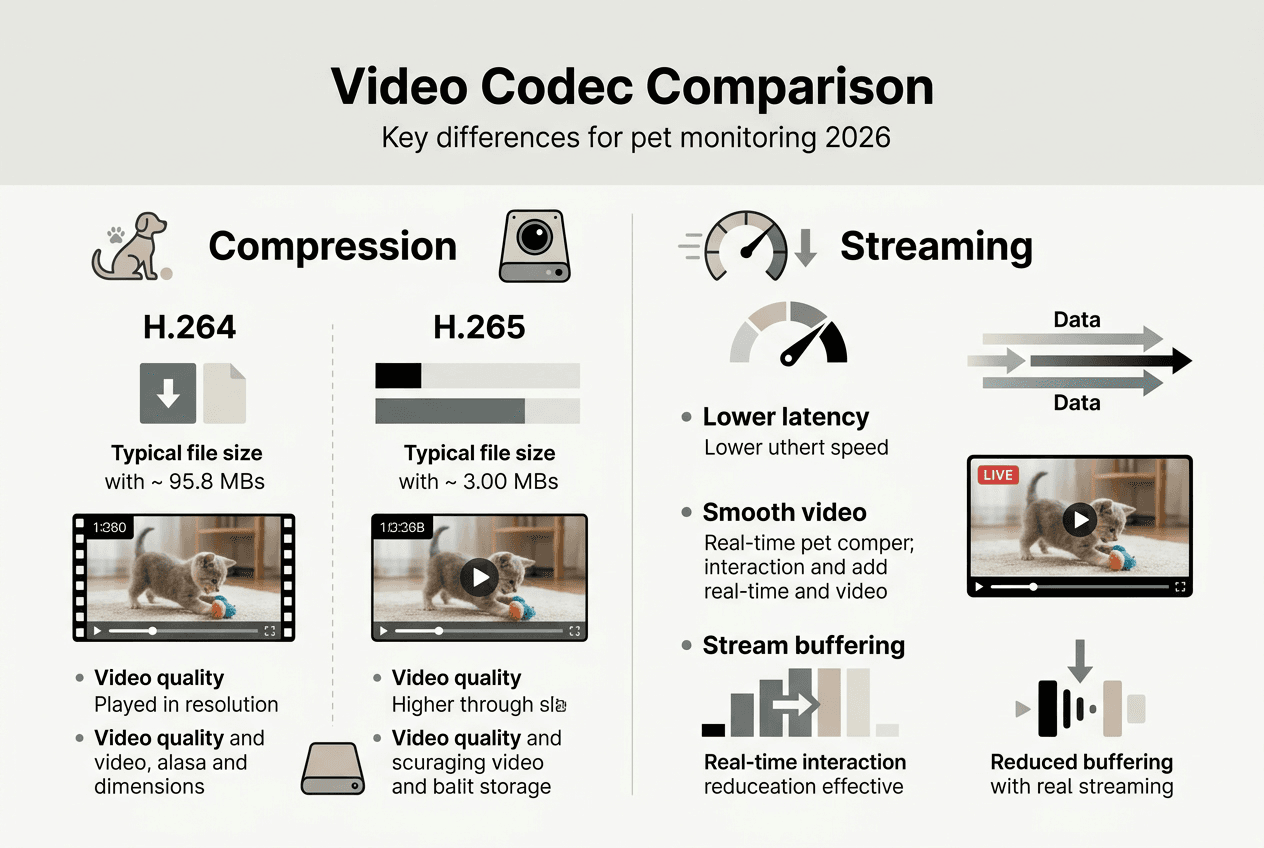
Video codecs compress raw footage into manageable file sizes for transmission and storage. Pet cameras utilize various video compression techniques to optimize video quality and bandwidth usage. The two dominant codecs are H.264 and H.265, with H.265 offering significantly better compression rates.
H.265 delivers up to 50% better compression than H.264 without sacrificing visual quality. This efficiency means you can stream high resolution video using less bandwidth, crucial for homes with multiple connected devices. The codec also reduces cloud storage costs since compressed files occupy less space.
For live streaming scenarios, codec selection impacts latency and buffering. H.265’s efficiency enables smoother real-time viewing even on moderate internet connections. This matters when you need immediate visual confirmation of your pet’s wellbeing or want to interact through the camera.
Pro Tip: Choosing a camera with H.265 codec helps reduce data usage while maintaining sharp video quality, especially important if your internet plan has data caps.
Understanding these basics empowers you to evaluate pet camera features breakdown more critically and identify which specifications truly matter for your monitoring needs.
Advanced video features enhancing pet monitoring
Beyond basic video quality, specific features transform pet cameras from passive observers into active engagement tools. Two-way audio stands out as a game changer for pet parents. This feature allows pet owners to communicate with their pets, which can help reduce anxiety and provide reassurance. When your dog hears your voice during a thunderstorm or your cat responds to familiar sounds, the technology bridges physical distance meaningfully.
Two-way audio quality varies significantly between models. Look for cameras with noise cancellation and clear speaker output. Some budget models produce tinny, distorted sound that confuses pets rather than comforting them. Premium options deliver voice clarity that pets recognize instantly.
Night vision capability determines whether you can monitor pets in darkness. Two technologies dominate this space: infrared and full color night vision. Infrared uses invisible LED lights to illuminate scenes, producing clear black and white images in total darkness. Night vision camera footage can deliver clear, usable video in darkness when the right hardware and settings are used.
Infrared night vision benefits include:
- Power efficiency since infrared LEDs consume minimal electricity
- Function in complete darkness without any ambient light
- Consistent performance regardless of room lighting conditions
- Lower cost compared to full color systems
Full color night vision captures color details by using ambient light or built-in spotlights. This technology helps identify specific toys, distinguish between pets, or notice subtle color changes in behavior indicators. However, it requires some light source and typically consumes more power.
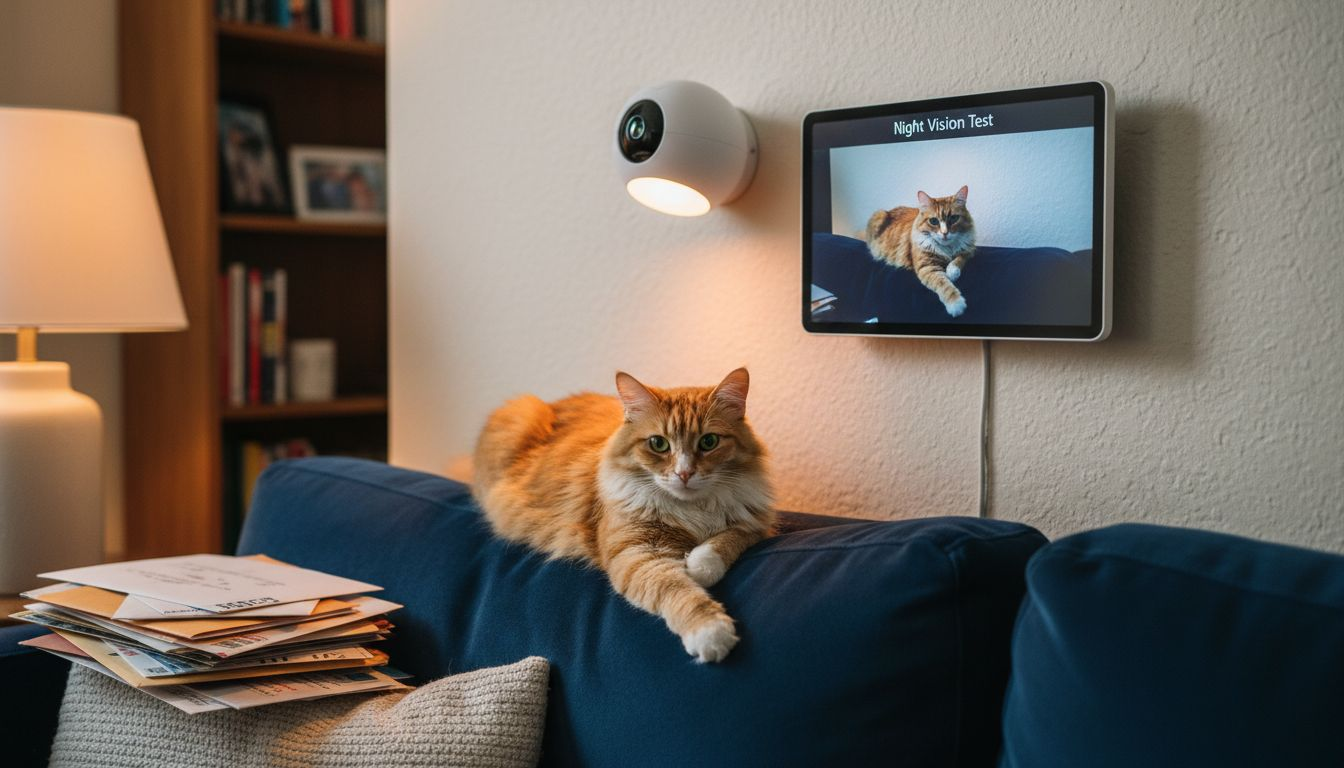
Field of view determines how much of a room the camera captures in a single frame. Wide angle lenses around 105 degrees cover most standard rooms without blind spots. Some advanced models offer 360-degree pan or significant tilt ranges, letting you remotely adjust the viewing angle to follow your pet’s movement.
Three essential advanced video features to prioritize:
- Two-way audio with noise cancellation for clear pet communication
- Night vision appropriate for your home’s lighting conditions
- Wide field of view or pan/tilt capability for comprehensive room coverage
Pro Tip: Use two-way audio during travel or stressful situations to comfort your pet remotely, reinforcing your presence even when physically absent.
Exploring two-way audio pet camera options and reviewing the pet camera features checklist helps identify which advanced capabilities match your specific monitoring priorities.
Comparing top pet cameras by video quality and features
Examining specific camera models illustrates how video quality specifications translate into real-world monitoring performance. Leading pet cameras differentiate themselves through codec efficiency, resolution choices, and smart feature integration.
The Eufy Indoor Cam C120 offers great video quality and multiple storage options, making it a versatile choice for various budgets. Meanwhile, the Google Nest Cam offers excellent pet detection, leveraging advanced AI to distinguish pets from other motion triggers.
| Camera Model | Resolution | Codec | Night Vision | Two-Way Audio | Field of View | Storage Options |
|---|---|---|---|---|---|---|
| Eufy Indoor Cam C120 | 2K (2304×1296) | H.264 | Infrared | Yes | 110° | Local + Cloud |
| Google Nest Cam | 1080p | H.264 | Infrared | Yes | 135° | Cloud Only |
| Furbo Dog Camera | 1080p | H.264 | None | Yes | 160° | Cloud Only |
| Petcube Cam | 1080p | H.265 | Infrared | Yes | 110° | Cloud Only |
Eufy Indoor Cam C120 strengths and considerations:
- 2K resolution provides exceptional detail for identifying subtle pet behaviors
- Local storage option via microSD card enhances privacy and eliminates subscription fees
- Wide 110-degree field of view covers most room layouts effectively
- Lacks H.265 codec, resulting in larger file sizes compared to competitors
Google Nest Cam strengths and considerations:
- Superior AI-powered pet detection reduces false motion alerts significantly
- Widest field of view at 135 degrees minimizes blind spots
- Cloud-only storage requires ongoing subscription for footage access
- Strong integration with Google Home ecosystem for voice control
Cloud versus local storage represents a critical decision point. Cloud storage provides convenient access from anywhere via smartphone apps, automatic backup protection, and typically includes AI features like pet detection. However, footage uploads to third-party servers, raising privacy considerations for security-conscious owners.
Local storage keeps all footage on your physical device, whether through microSD cards or network-attached storage. You maintain complete control over who accesses recordings. The tradeoff involves limited remote access capabilities and potential data loss if the camera is damaged or stolen.
Video quality combined with intelligent pet detection creates the most effective monitoring experience. Cameras that recognize pet-specific movements reduce notification fatigue by filtering out irrelevant motion triggers. This precision ensures you receive alerts for meaningful events rather than every shadow or light change.
Reviewing the best pet cameras comparison provides deeper analysis of how these specifications perform across different home environments and pet personalities.
Practical tips for optimizing your pet camera’s video quality
Maximizing your camera’s performance requires attention to setup details and ongoing maintenance. Strategic positioning and configuration choices dramatically impact the clarity and usefulness of captured footage.
Four steps to improve video clarity:
- Position the camera at pet eye level for natural perspective and better facial detail capture
- Ensure adequate ambient lighting during daytime to reduce grain and improve color accuracy
- Update firmware regularly as manufacturers release improvements to compression algorithms and feature stability
- Optimize Wi-Fi connectivity by placing the camera within strong signal range or using mesh network extenders
Cameras using H.265 codec technology automatically reduce bandwidth consumption while preserving image quality. This efficiency becomes critical during peak internet usage hours when multiple household devices compete for bandwidth. If your current camera supports codec selection in settings, enable H.265 for immediate performance gains.
Balancing storage needs requires understanding your monitoring patterns. Cloud storage subscriptions offer convenient access to recorded footage, but local storage options provide privacy benefits. Consider hybrid approaches where continuous recording saves locally while cloud storage captures motion-triggered events for easy smartphone access.
Pro Tip: Regularly clean camera lens and check for firmware updates to maintain image sharpness, as dust accumulation degrades clarity more than most owners realize.
Night vision optimization depends on your room’s characteristics. Infrared systems perform best when positioned away from reflective surfaces like windows or mirrors that can create glare. Adjust infrared intensity settings if available, as maximum brightness sometimes washes out close subjects. For full color night vision, ensure consistent ambient lighting from nightlights or dimmed lamps.
Two-way audio requires periodic testing to verify speaker and microphone functionality. Environmental factors like air conditioning noise or household appliances can interfere with audio clarity. Position cameras away from these sound sources when possible. Test audio quality from various rooms to understand how well your voice carries through the system.
Bandwidth management becomes essential in multi-camera households. Stagger motion detection sensitivity across cameras to prevent simultaneous upload spikes. Schedule high-resolution recording during off-peak hours if your camera supports this feature. Monitor your router’s device priority settings to ensure pet cameras receive adequate bandwidth allocation.
For detailed setup guidance, explore resources on setting up remote pet monitoring and review the pet surveillance checklist to verify your configuration covers all critical security and functionality aspects.
Explore smart pet monitoring devices at ModernPetTech
Applying the video quality knowledge from this guide becomes easier when you can compare specific devices side by side. ModernPetTech specializes in breaking down complex camera specifications into practical pet parent guidance. The platform’s detailed reviews highlight how codec choices, resolution options, and advanced features perform in real home environments.

Explore smart pet devices for monitoring to see product examples featuring the quality video and useful features discussed throughout this article. The pet safety monitoring tutorial walks through setup processes step by step, ensuring you configure devices for optimal performance. Whether you need help setting up remote pet monitoring for the first time or want to upgrade your current system, ModernPetTech provides the educational resources to make informed decisions that enhance both pet engagement and home security.
Frequently asked questions
What video resolution is ideal for pet cameras?
1080p resolution typically provides the best balance between image clarity and bandwidth requirements for smooth pet monitoring. This resolution captures sufficient detail to observe facial expressions, body language, and environmental context without overwhelming your internet connection. 4K resolution offers exceptional sharpness but demands faster internet speeds and significantly more storage space, making it impractical for many households. Meanwhile, 720p resolution often proves inadequate for detailed behavioral observation, especially when zooming into footage or monitoring from across larger rooms.
How does two-way audio improve pet monitoring?
Two-way audio enables real-time communication with your pet, substantially reducing separation anxiety and improving overall comfort during your absence. You can offer verbal reassurance during stressful situations like thunderstorms, deliver training commands to reinforce positive behaviors, or simply let your pet hear your familiar voice throughout the day. This interactive capability transforms passive surveillance into active engagement, strengthening your bond even when physically separated. Learn more about specific models at two-way audio pet camera.
What are the differences between infrared and full color night vision?
Infrared night vision produces clear black and white images in complete darkness by using invisible LED lights that illuminate the scene without disturbing sleeping pets. This technology works reliably regardless of ambient light conditions and consumes minimal power. Full color night vision captures color details by utilizing available ambient light or built-in spotlights, helping you identify specific toys, distinguish between multiple pets, or notice subtle behavioral indicators. However, full color systems require some light source to function effectively and typically consume more electricity than infrared alternatives.
Should I use cloud or local storage for pet camera footage?
Cloud storage provides convenient access to recorded footage from any location via smartphone apps, includes automatic backup protection, and often integrates advanced AI features like pet-specific motion detection. However, this approach requires ongoing subscription fees and transmits footage to third-party servers, which may raise privacy concerns. Local storage through microSD cards or network-attached storage keeps all recordings under your direct control, eliminates subscription costs, and enhances privacy. The tradeoff involves more limited remote access capabilities and potential data loss if the physical device is damaged or stolen. Many pet parents find hybrid approaches most effective, using local storage for continuous recording while maintaining cloud access for motion-triggered events.
Recommended
- Optimize Pet Camera Features for Smarter Pet Monitoring
- Pet Camera Terminology: What Tech-Savvy Owners Need
- 7-Step Pet Camera Buying Checklist for Tech-Savvy Owners
- Pet Camera Features Breakdown: Smarter Pet Care
